Your Guide to the Ultimate YouTube Shorts Template
DailyShorts AI
Think of a great YouTube Shorts template as more than just a pre-made design. It’s a strategic framework—a proven structure that nails the hook, pacing, and call to action every single time. It takes the creative guesswork out of the equation, letting you pump out high-quality, engaging content consistently and at scale.
Why a YouTube Shorts Template Is Your Secret Weapon
Let's be real for a second. Keeping up with the relentless demand for daily short-form video is flat-out exhausting. You're constantly battling creative burnout, staring down tight deadlines, and feeling that crushing pressure to produce the next viral hit. This is exactly where a good YouTube Shorts template stops being a simple shortcut and becomes the core of your growth strategy.
Instead of facing that intimidating blank project file every day, you’re starting with a blueprint that’s already engineered to grab and hold a viewer's attention. The top creators aren't reinventing the wheel for every single video; they're using proven formulas for engagement. A template is your key to unlocking that same level of efficiency.
Speed Up Production Without Sacrificing Quality
The most immediate benefit? You'll drastically cut down your production time. A template gives you the skeleton—the exact timing for your hook, the right pacing for your main points, and the perfect spot for your call-to-action. All you have to do is drop in your unique content.
This simple shift can turn video creation from a multi-hour ordeal into something you can knock out in just a few minutes. That kind of efficiency is what it takes to stay relevant. The Shorts algorithm loves consistency, and templates make a daily publishing schedule feel manageable, not monumental.
When you systemize production, you free up a ton of mental energy to focus on what really matters: creating killer content your audience loves. To get deeper into systemizing your workflow, check out our guide on building an automated YouTube channel↗.
By removing the friction of starting from scratch, templates empower you to test more ideas, analyze what works, and double down on successful formats faster than your competition. It's about working smarter, not harder.
Capitalizing on Explosive Growth
The opportunity on Shorts right now is bigger than ever. The platform's viewership is on an absolute tear, projected to rocket from 30 billion daily views in 2021 to a mind-blowing 200 billion daily views by 2025.
That’s a staggering 567% increase, making it a non-negotiable platform for any serious creator. You can find more stats on this incredible growth over at inbeat.agency↗. Having a solid template strategy is what will position you to capture a piece of that massive, growing attention.
Choosing the Right Template for Your Niche
Let’s be honest: not all YouTube Shorts templates are built the same. The real trick to making Shorts that actually get views is to ditch the generic stuff and find a framework that fits your specific niche like a glove. Think of a template as more than just a pretty layout; it’s a proven formula for telling a story that clicks with your audience.
For instance, if you're an educator, a 'Top 5 Facts' template is a natural fit. But if you're in marketing? You’ll probably get way more traction with a 'Problem-Solution' format. The goal is to choose a structure that feels authentic to your content, so you create something that truly connects instead of just adding to the noise.
So, when you're sizing up a template, you need to look under the hood. Does it have a hook that grabs attention in the first three seconds? Is there a clear, logical flow that pulls the viewer along? And most importantly, does it end with a strong call-to-action that tells people exactly what to do next?
This flowchart really spells out the two paths a creator can take. You can either grind it out from scratch or make the smart move.
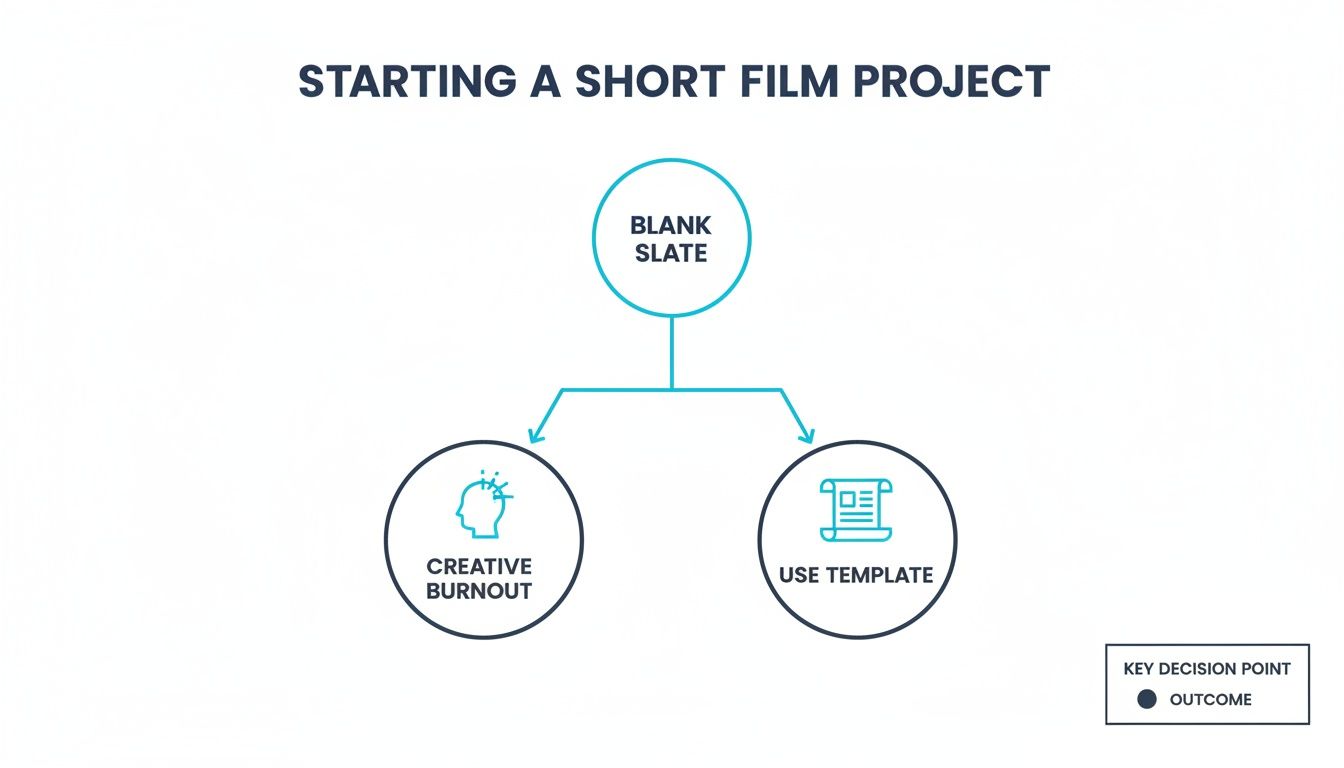
As you can see, leaning on a template is the fastest way to avoid burning out and keep your channel consistently fed with great content.
Aligning Template Style With Audience Expectations
The vibe of your template—from its visuals to its pacing—has to match what your viewers expect. Imagine a serious financial advisor using a chaotic, meme-filled template. It just feels… off. That same high-energy style, though, would be perfect for a gaming channel.
Here’s what to keep in mind to get the alignment right:
- Pacing: Does your audience want rapid-fire info, or do they prefer a more measured, educational pace? The template’s built-in timing is a huge head start.
- Visual Tone: Are you going for clean and professional? Fun and animated? The visuals need to feel like you. AI-powered libraries are great for finding a starting point that you can then tweak to feel less cookie-cutter.
- Language: The on-screen text and any script prompts should echo your brand's voice—whether that's witty, serious, or super casual.
Getting this right is non-negotiable, especially when you consider that the Shorts audience has exploded from 225.5 million users in 2020 to over 2 billion monthly active users as of July 2023. That’s a massive, diverse crowd, and you can read more about this growth over at Keywords Everywhere↗. A well-chosen template is your secret weapon for speaking their language.
A Quick Guide to Template Types
To help you get started, here’s a simple framework for picking the right template based on what you do.
| Template Type | Best For Niche | Key Feature | Example Use Case |
|---|---|---|---|
| Problem-Solution | Marketing, SaaS, Coaching | Clearly identifies a pain point and presents your offer as the solution. | A 30-second short showing the frustration of manual invoicing, followed by a quick demo of your software. |
| Top 3/5 List | Education, Commentary, Infotainment | Delivers value quickly in a scannable, easy-to-digest format. | "Top 3 Mistakes New Investors Make" for a finance channel. |
| Myth vs. Fact | Health & Wellness, Experts, Consultants | Establishes authority by debunking common misconceptions. | A fitness coach quickly busting a popular diet myth. |
| Behind-the-Scenes | Small Business, Creators, E-commerce | Builds trust and humanizes your brand by showing the "real" side. | A coffee shop owner showing the morning roasting process. |
| Reaction/Commentary | Gaming, Entertainment, Pop Culture | Leverages trending topics for high engagement and opinionated content. | A movie reviewer reacting to a new trailer drop. |
This table should give you a solid starting point for matching a proven structure to your content goals. Remember, the right template does half the creative work for you.
For small businesses, templates like "Product Demo" or "Behind-the-Scenes" are gold for building trust and proving your value. These structured approaches are a core part of any smart video marketing for small business↗ strategy.
The best template doesn’t just make your life easier; it acts as a silent partner, guiding your content to be more engaging and effective for the specific audience you want to reach.
If you're a coach, a "Myth vs. Fact" or "Quick Tip" template is perfect for showcasing your expertise. For pure entertainment, you can’t go wrong with a "Reaction" or "Top 3 List" that’s built for high energy. Your first decision—choosing the right framework—is often your most important one.
Crafting Scripts That Command Attention
A great template gives you the skeleton, but the script is what gives your Short its soul. In the fast-paced world of short-form video, every single word counts. You have to earn the viewer's attention, especially in those first 3 seconds where they decide to either keep watching or swipe away forever.
Forget the long, drawn-out explanations. Shorts demand punchy, high-impact language that cuts straight to the chase. Your script is the engine, driving the story forward and making sure your message actually sticks.
Mastering the Art of the Hook
Your hook isn't just the first line of your video; it's a promise you're making to the viewer. It has to spark immediate curiosity, create a sense of urgency, or just plain make them wonder, "What happens next?" If you can't grab them right away, the rest of your brilliant script is just dead air.
I've seen these formulas work wonders across dozens of niches, and you can easily adapt them for your own content:
- "You're making a huge mistake with [common topic]..."
- "Here’s the one thing [experts/gurus] get wrong about [your niche]..."
- "This tiny habit completely changed my [area of life]..."
- "Stop doing [common practice] and try this instead..."
Why do these work so well? They tap into basic human psychology. They challenge a common belief, dangle a secret in front of the viewer, or promise a quick solution to a problem they have. Using a pre-built template often gives you the perfect visual timing to make these hooks land with maximum impact.
The goal of your first sentence is simple: to make the viewer want to hear the second sentence. Everything else is secondary.
Getting a Little Help From AI for Scripting
Let's be real—staring at a blank page trying to dream up the perfect hook is a creativity killer. This is exactly where modern AI scriptwriters become a secret weapon. A tool like DailyShorts↗ can spit out dozens of powerful script ideas and hooks from just a single keyword.
Instead of burning hours brainstorming, you can get a whole list of compelling angles in seconds. This lets you A/B test different narrative approaches to see what your audience really connects with. You get to spend your time refining the message, not struggling to come up with one in the first place. For a deeper dive, check out how you can instantly turn a concept from a script to video with AI tools↗.
Structuring Your Script to Keep People Watching
Once you've hooked them, the rest of your script needs to keep that momentum going. A solid YouTube Shorts template usually provides a natural flow for this, but you're the one who has to fill in the words.
Keep this simple structure in mind to hold their attention all the way through:
- The Hook (1-3 seconds): Hit them with your most powerful, curiosity-piquing statement.
- The Body (10-15 seconds): Now, deliver on what you promised in the hook. Give the value, tell the story, or provide the solution. Keep your language simple and your sentences short.
- The CTA (3-5 seconds): End with a clear, direct call-to-action. Don't be shy—tell viewers exactly what to do next, whether it’s subscribing, dropping a comment, or clicking a link.
When you pair a proven template with a sharp, well-structured script, you’re building a repeatable system. It's a system that doesn't just stop the scroll but actually drives real, meaningful growth for your channel.
Making a Template Your Own: Visuals and Audio That Stop the Scroll
A YouTube Shorts template is your starting point, not the finish line. The real magic happens when you inject your brand's personality into that framework. This is how you go from a generic structure to a scroll-stopping piece of content that people instantly recognize as yours. It's all about building a signature style.
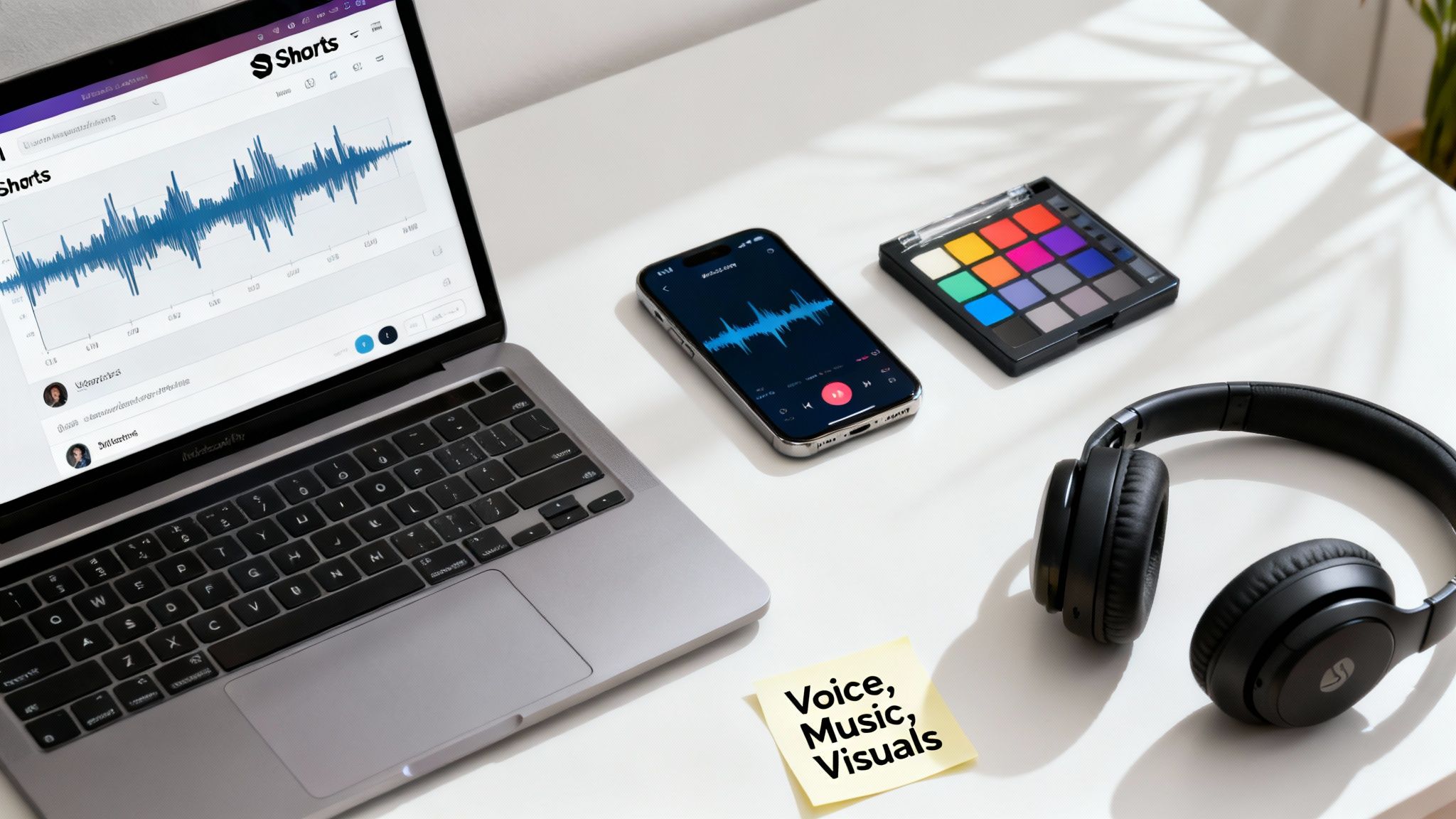
Think about the psychological impact of your visuals. A clean, photorealistic style can scream authority and build trust for a finance channel. On the other hand, a vibrant, animated look might be the perfect fit for a channel telling wild historical stories. The goal is to align your visuals with what your audience expects and the feeling you want to leave them with.
Creating Your Signature Look
Thankfully, you no longer need to be a graphic designer to create stunning visuals. Modern AI tools have completely changed the game. Platforms like DailyShorts give you a whole palette of style presets to choose from—everything from sleek 3D renders to playful Disney-inspired looks—so you can lock in a consistent, professional aesthetic for every single video.
But static images won't hold attention for long. You need motion. Even subtle animations can transform a flat scene into something dynamic and engaging. Look for image-to-video features that can bring your visuals to life with zooms, pans, and other effects that keep eyes locked on the screen. We break down these techniques in our full guide on how to create AI video↗.
Don't Forget the Sound
In a Short, audio is at least half the battle. The right voiceover can instantly build trust, create excitement, or convey urgency. It sets the entire mood. Today’s AI voiceovers are incredibly realistic, with natural pacing and emotion, letting you pick the perfect narrator to match your brand's voice—whether that’s calm and authoritative or super energetic.
A common mistake I see is treating audio as an afterthought. Your sound design—from the background track to the subtle whoosh of a transition—is your secret weapon for controlling the viewer's emotional journey in under 60 seconds.
Background music and sound effects are just as crucial. Sure, jumping on a trending sound can give you a quick visibility boost, but establishing a consistent musical theme makes your brand more memorable. Mastering the use of sound effects for video editing↗ is what separates amateur content from polished, professional work. It's a small detail that makes a world of difference.
With Shorts creators projected to earn a collective $3.1 billion in 2024, the stakes are high. Every element counts. Just look at the data: creators with over 1 million subscribers get 29.2 new subs for every 10,000 views on a Short, compared to just 11 for a long-form video. That kind of growth comes from high-quality, engaging content. By taking the time to customize your template's visuals and audio, you're not just making another video—you're building a recognizable brand that can actually thrive.
Getting Your Short Seen: Titles, Tags, and Thumbnails
You've done the hard work—you’ve picked a killer YouTube Shorts template and customized it into something brilliant. But before you race to hit that publish button, remember this: creating the video is only half the job. The real magic happens when you tell the YouTube algorithm exactly who needs to see your masterpiece.
This isn’t about crossing your fingers and hoping for the best. It's about a smart, repeatable process that gets your content in front of the right eyeballs.
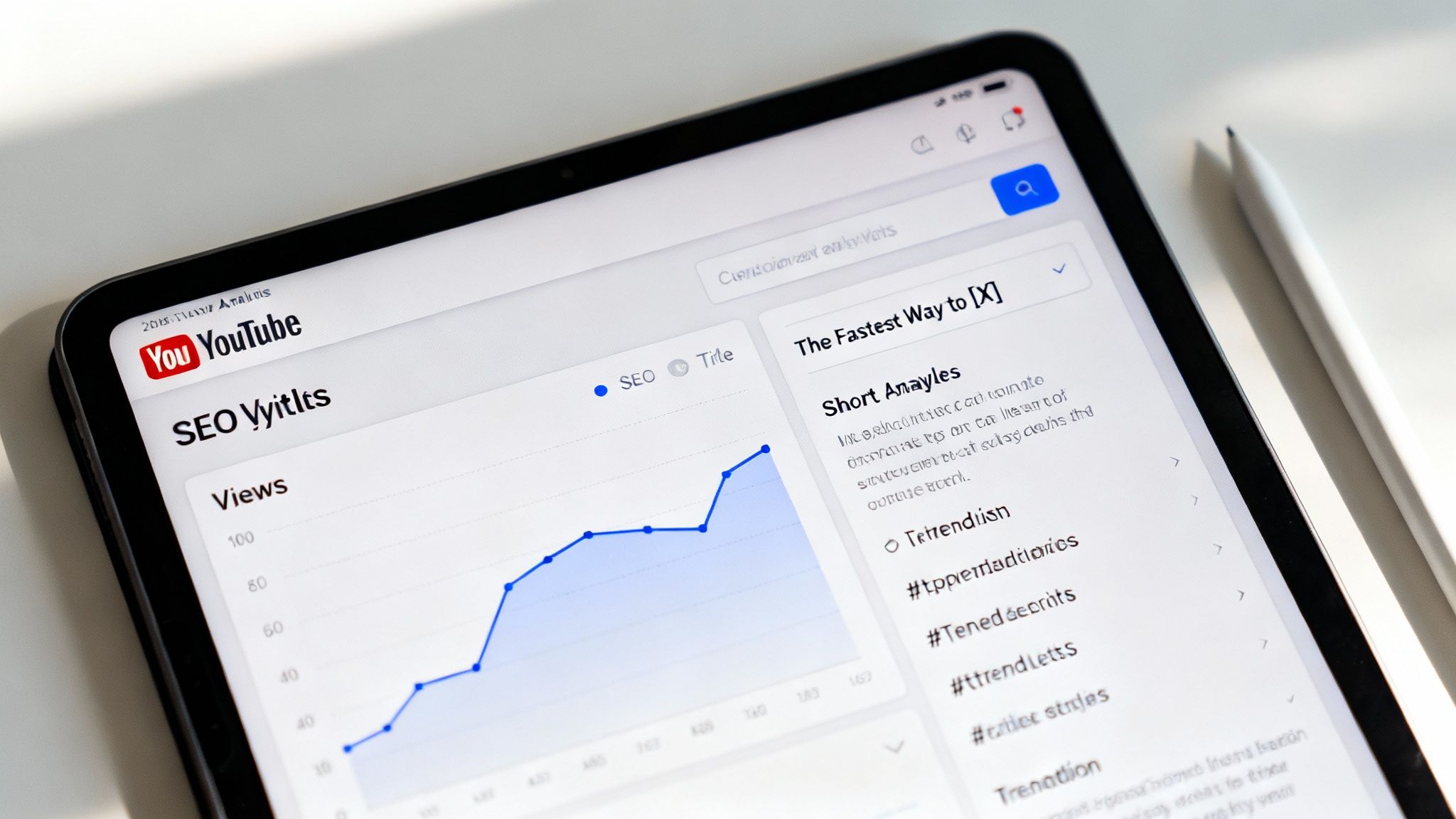
Think of your title, tags, and even your (often overlooked) thumbnail as a direct conversation with the algorithm. Get this part right, and YouTube will do the heavy lifting for you.
Writing Titles That Actually Work
Your title has two jobs: it needs to grab a human's attention and feed the algorithm the right keywords. Forget the clever, artsy titles for a moment. Clarity beats cleverness every single time on this platform.
What would your ideal viewer actually type into the YouTube search bar? That’s your starting point.
Here are a few title frameworks I've seen work time and time again:
- The "How-To" Solution: "The Fastest Way to Organize Your Kitchen"
- The Numbered List: "5 Canva Mistakes You're Probably Making"
- The Curiosity Gap: "Why Your Morning Coffee Is Killing Your Focus"
Each of these examples immediately tells the viewer what's in it for them while being packed with searchable terms. This is a foundational skill, and you can get a deeper understanding by reviewing some core YouTube Shorts best practices↗.
Choosing Hashtags That Drive Discovery
Hashtags aren't just for decoration; they're powerful sorting signals for YouTube. The best approach is to use a strategic blend of broad and super-specific tags. Think of it like fishing—you use a wide net to catch general interest and a sharp spear to target your perfect audience.
A solid hashtag strategy looks something like this:
- Broad & Obvious (1-2 tags): Start with
andCode Snippet#shorts
. This is non-negotiable. It tells YouTube what kind of content this is.Code Snippet#youtubeshorts - Niche-Specific (2-3 tags): Get specific. If your video is about baking sourdough, use tags like
orCode Snippet#sourdoughforbeginners
. This is how you find your people.Code Snippet#bakingtips - Channel-Specific (1 tag): If you have a unique hashtag for your channel, pop it in there. It helps build a community around your content.
I see so many creators either stuff their descriptions with dozens of irrelevant tags or use none at all. Both are mistakes. The goal is precision. You're giving YouTube a clear road map to the viewers who will love your content, which is how you break out of the initial view slump and land on their "For You" page.
When your template, your content, your title, and your tags are all aligned, you're sending a powerful, unified signal to the algorithm. It's no longer a guessing game. You're not just uploading a video; you're launching a strategic piece of content engineered for growth.
To really dial in your strategy and learn what separates good Shorts from great ones, check out these 10 YouTube Shorts best practices↗. Following a proven checklist like this takes the guesswork out of the equation and turns every upload into a deliberate step toward building a massive, loyal audience.
Got Questions About YouTube Shorts Templates? Let's Clear Things Up.
Diving into templates for the first time? It's totally normal to have some questions. I hear creators wonder all the time if using a template will make their content feel stale or if it’s a legitimate strategy for growing a real audience. Let's tackle those common hang-ups head-on so you can start using these tools like a pro.
One of the biggest fears is that using a YouTube Shorts template will make your channel look like a carbon copy of someone else's. That’s a myth that comes from an outdated view of what a "template" is.
Forget those old, rigid, cookie-cutter designs. Modern, AI-powered platforms have turned templates into flexible frameworks. They don't lock you into a certain look; they give you a proven structure for great pacing and storytelling. You still call all the important shots—the visuals, the voice, the message. It's the best of both worlds: you get a strategic foundation without ever losing what makes your brand unique.
Will My Content Look Like Everyone Else’s?
Honestly, not a chance—if you're using the right tools. The platforms worth your time are built for deep customization, pushing you way beyond a generic starting point.
Think of it like this:
- Your Visuals, Your Style: You can generate completely original 4K images in any style you can imagine, from hyper-realistic photos to slick animations. Your visuals will be yours and yours alone.
- Finding Your Voice: With a huge library of AI voices, you can handpick the exact tone, accent, and personality that fits your brand.
- Bringing It to Life: You control the motion. Add unique pans, dynamic zooms, and other effects to create an experience that feels handcrafted.
A template isn't a finished product; it's the blueprint. You're still the architect. It's not about copying someone else's design—it's about applying a winning formula to your original ideas.
How Long Should My Script Be?
Pacing is everything in a Short, and script length is where it all starts. A good template takes the guesswork out of it.
For a standard 60-second Short, the sweet spot for your script is between 130 and 160 words. This works out to a natural speaking pace of about 150 words per minute, which gives you just enough room for pauses and lets the visuals breathe.
A well-built YouTube Shorts template often guides you with a proven structure:
- The Hook (0-5 seconds): A short, sharp opening to grab them.
- The Body (5-50 seconds): The meat of your video where you deliver the value.
- The CTA (50-60 seconds): A clear, simple call-to-action to wrap it up.
This framework helps you allocate your word count perfectly, ensuring your message lands with maximum impact without ever feeling rushed.
And finally, the million-dollar question: can you really grow a channel using templates? Absolutely. Channel growth on Shorts boils down to two things: consistency and quality. Templates are a shortcut to nailing both. By eliminating the production headaches, you can get high-quality, engaging content out the door far more often. The algorithm loves that kind of consistency, and it will reward you by pushing your content to a wider audience, faster than you thought possible.
Ready to stop staring at a blank timeline and start scaling your channel? With DailyShorts, you can turn any idea into a viral-ready video in minutes. Join over 50,000 creators who are building their channels faster with AI. Start creating for free today at https://dailyshorts.ai↗.
Ready to create viral videos?
Start creating viral TikTok and YouTube Shorts with DailyShorts AI today.