Mastering youtube shorts best practices for viral Shorts in 2026
DailyShorts AI
YouTube Shorts represents a seismic shift in content consumption, a high-speed arena where creators can achieve explosive growth and connect with millions. But navigating its powerful algorithm requires more than just luck; it demands a precise, repeatable strategy. The difference between a Short that gets lost in the feed and one that goes viral often comes down to a handful of critical, intentional choices made before you ever hit "upload." In a space where attention is measured in seconds, every detail matters, from the first frame to the final hashtag.
This guide is your definitive blueprint. We're cutting through the generic advice to deliver a comprehensive checklist of actionable YouTube Shorts best practices. This isn't about theory; it's about implementation. You will learn the exact tactics top creators use to hook viewers instantly, edit for maximum retention, and optimize every piece of content for algorithmic discovery. We'll cover everything from structuring your script for a 15-second format to analyzing the right metrics to ensure your next video is even better than your last.
Forget guesswork and chasing fleeting trends. The following ten strategies provide a structured framework to build a successful Shorts channel from the ground up. Whether you are a solo entrepreneur, a social media manager, or a seasoned creator looking to master a new format, these insights will equip you to create content that not only stops the scroll but also builds a loyal, engaged community. Prepare to transform your approach and unlock the full potential of your channel.
1. Hook Viewers in the First 3 Seconds
In the fast-paced world of the YouTube Shorts feed, you have less than three seconds to convince a viewer to stop scrolling. This initial moment is your entire sales pitch; fail here, and your video disappears into the digital void. The "hook" is the most critical element of any Short because it directly impacts watch time and completion rate, two of the most powerful signals you can send to the YouTube algorithm.
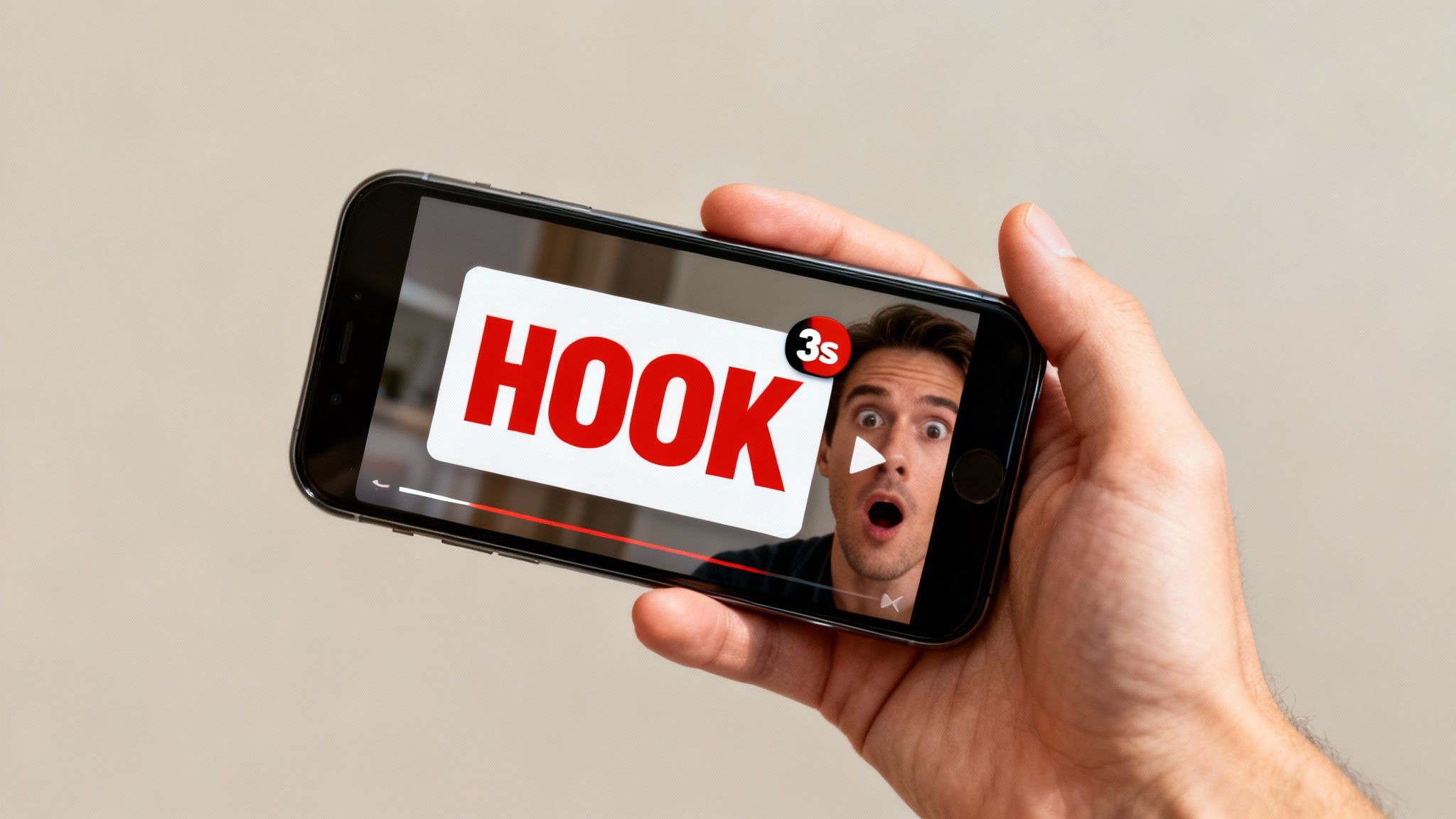
A powerful hook creates an "information gap" or "curiosity loop" that the viewer feels compelled to close. This is a core tenet of effective YouTube Shorts best practices, as it transforms a passive scroller into an engaged audience member. When you successfully hook a viewer, you are essentially promising them a satisfying payoff if they stick around, which is precisely what the algorithm rewards.
How to Craft an Unskippable Hook
To master this technique, you must think like your audience: what would make you stop scrolling? The answer often lies in a combination of visual, auditory, and narrative elements that generate immediate intrigue.
- Visual Hooks: Start with your most visually stunning or shocking clip. This could be a dramatic cinematic shot, a bizarre AI-generated image, or the moment right before a major reveal. High-quality visuals are non-negotiable.
- Narrative Hooks: Pose a provocative question or make a counterintuitive statement. For example, a finance creator might start with, "This common saving tip is actually making you poorer." This immediately challenges a viewer's beliefs and encourages them to learn why.
- Text & Audio Hooks: Use bold on-screen text like "You won't believe this..." synchronized with an impactful sound effect. The combination of visual and auditory cues is incredibly effective at grabbing attention.
Consider MrBeast's Shorts, which often open with a direct challenge or the promise of a jaw-dropping outcome. He doesn't waste time with intros; he gets straight to the core conflict. By adopting this mindset, you can significantly boost your video's performance from the very first frame. If you're looking for an advanced way to craft compelling openings, you can explore AI script generation tools for hook-optimized video scripts.
2. Maintain Optimal Video Length (15-60 Seconds)
While YouTube Shorts can technically be up to 60 seconds long, not all seconds are created equal. The optimal length is a strategic decision that directly influences viewer retention and the probability of a rewatch, two critical metrics the algorithm analyzes. Finding the sweet spot, often between 21-34 seconds, allows you to deliver a complete, satisfying narrative without overstaying your welcome and causing viewers to swipe away.
Hitting the ideal duration is a core component of YouTube Shorts best practices because it respects the viewer's limited attention span. A video that is just long enough to tell its story but short enough to feel effortless to finish has a much higher chance of achieving a 100%+ average view duration through loops. This signals to YouTube that your content is highly engaging and worthy of being pushed to a wider audience.
How to Determine Your Ideal Video Length
Mastering video length requires you to be ruthless with your editing and script, ensuring every single second serves a purpose. The goal is maximum impact in minimum time, a balance that requires planning and testing.
- Plan for Brevity: Instead of trimming a long-form video down, create your script and storyboard specifically for a target length like 30 seconds. This forces you to focus only on the essential story beats.
- Aim for the Sweet Spot: While testing is key, start by targeting the 21-34 second range. This window has proven effective across many niches, from the AI-generated Shorts that average 32 seconds for peak engagement to top TikTok creators whose content often lands in the 25-35 second bracket.
- Prioritize a Rewatchable Loop: Structure your Short so the end naturally flows back to the beginning. A clean, satisfying loop can instantly turn one view into two, dramatically boosting your retention metrics.
- Analyze Your Analytics: The ultimate arbiter is your audience. Test various lengths (e.g., 15s, 30s, 45s) and dive into your YouTube Studio analytics. Identify which durations consistently produce the highest completion rates and viewer retention for your specific content.
3. Use Vertical Video Format Exclusively (9:16 Aspect Ratio)
The YouTube Shorts player is built for one orientation and one orientation only: vertical. Filming and editing in a 9:16 aspect ratio is not just a recommendation; it's a fundamental requirement for success. This format is native to mobile phones, where over 90% of Shorts are consumed. Failing to use the full screen creates a jarring, amateurish experience that prompts viewers to immediately scroll away.
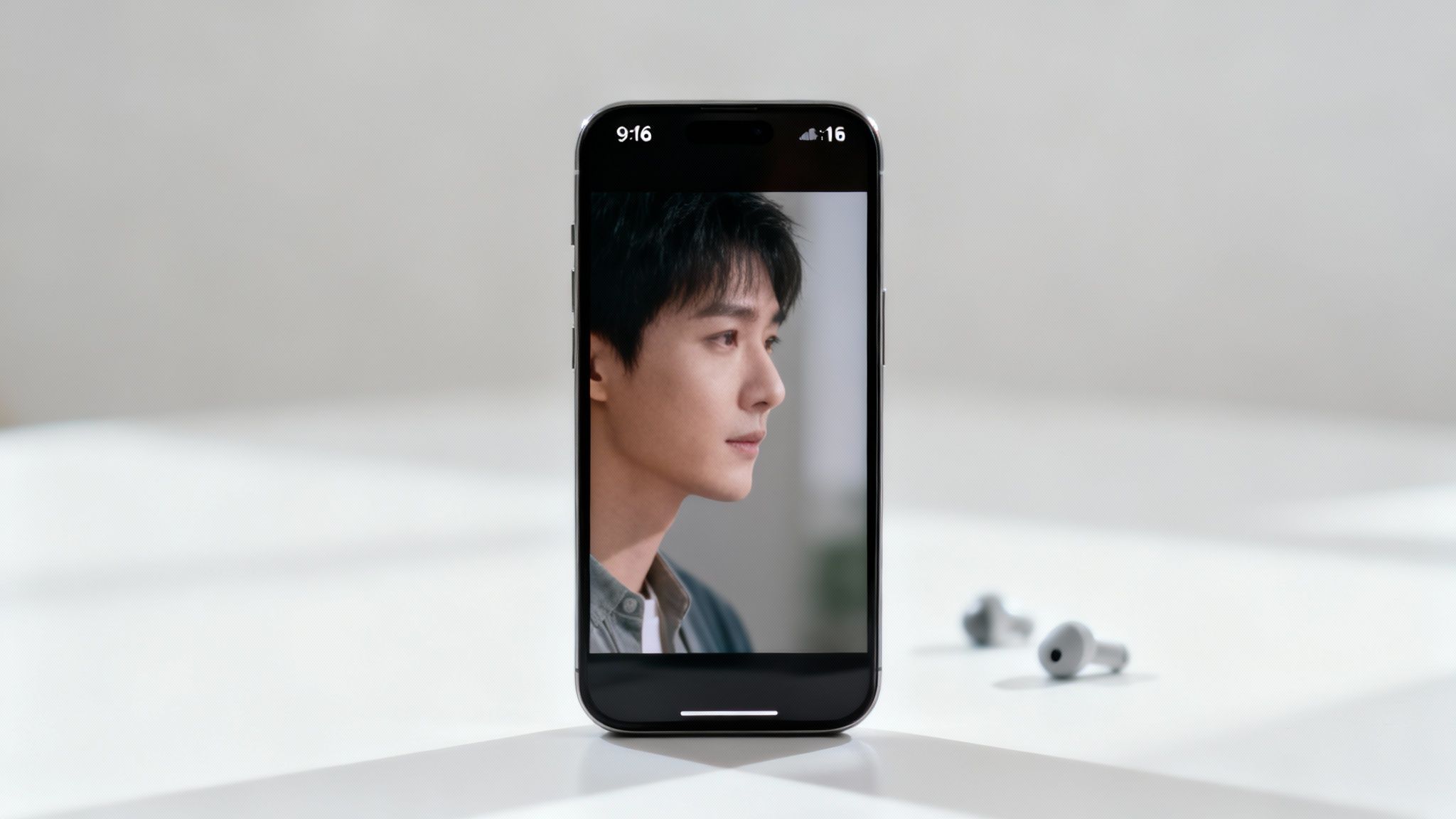
Adhering to this format is one of the most critical YouTube Shorts best practices because it directly impacts immersion and viewer retention. A full-screen vertical video commands the viewer's complete attention, filling their device and creating a powerful, focused experience. Research shows that vertical-native content can boost engagement by over 60% compared to horizontal videos awkwardly forced into a vertical frame with black bars.
How to Optimize for Vertical Viewing
To truly leverage the 9:16 format, you must think vertically from the very beginning of your creative process. This means composing your shots, designing your graphics, and placing your text specifically for a tall, narrow canvas.
- Shoot Natively: Always film with your phone held vertically. This ensures you capture the most relevant information within the 9:16 frame and avoid cropping out important details later.
- Mind the Safe Zones: Design all visual elements like on-screen text and graphics to fit within vertical "safe zones." Avoid placing critical information too close to the top or bottom edges, as it can be obscured by the YouTube app's user interface.
- Place Text Strategically: Position key text in the upper-middle third of the screen. This area is a natural focal point for viewers and ensures maximum readability on mobile devices without them having to strain their eyes.
- Test Before Publishing: Always preview your final video on an actual smartphone before you publish. This simple step helps you catch any formatting issues and confirm that your visual elements are impactful and easy to read.
4. Optimize Titles, Tags, and Descriptions for Discovery
While the visual hook is crucial, your video's metadata (title, description, and tags) is what empowers the YouTube algorithm to find the right audience in the first place. Neglecting this step is like creating a masterpiece and hiding it in a closet. Strategic optimization ensures your Shorts are categorized correctly and surfaced to viewers actively searching for content just like yours. This is a foundational pillar of YouTube Shorts best practices because it directly influences your video's initial traffic sources and long-term discoverability.
A well-optimized Short has a significantly higher chance of appearing in search results, suggested video feeds, and even on the Shorts shelf. The algorithm uses keywords and hashtags as signals to understand context and relevance. By providing clear, concise, and targeted metadata, you are essentially giving the system a roadmap to deliver your content to the most engaged potential viewers.
How to Master Your Metadata
Optimizing your metadata is a blend of art and science. It requires understanding user search behavior while also creating compelling copy that encourages a click. Think of your title as the headline and your description as the supporting summary.
- Strategic Titles: Craft titles that create curiosity while including a primary keyword. For example, instead of "My Skincare Routine," try "This 1-Minute Trick Cleared My Acne." The latter targets a specific problem and promises a quick solution. Incorporating numbers and emotional words, like MrBeast's "I Gave Away $1,000,000," is highly effective.
- Targeted Hashtags: Include 3-5 relevant hashtags in your description. Start with broader tags like
and then add niche-specific ones. A fitness creator might useCode Snippet#Shorts
,Code Snippet#Shorts
, andCode Snippet#Fitness
. This helps YouTube place your video alongside similar content.Code Snippet#WorkoutAtHome - Value-Driven Descriptions: Your description should briefly expand on the title and include your primary keywords. It's also the perfect place to add a call-to-action (CTA), like asking viewers to subscribe or check out a related video. For a broader understanding of how to make your videos more discoverable, exploring general YouTube SEO best practices↗ can further enhance your Shorts' reach.
By treating your metadata with the same care as your video editing, you build a powerful discovery engine that works for you 24/7. To dive deeper into optimizing these elements for maximum visibility, you can find more strategies on how to get views on YouTube Shorts↗.
5. Create Pattern-Interrupt Cuts and Transitions
Once you’ve hooked your viewer, the next challenge is keeping their attention for the entire duration of the Short. This is where pattern-interrupt editing comes in. Fast-paced, unexpected cuts and transitions prevent viewer fatigue by constantly breaking predictable visual sequences. This technique is a cornerstone of modern short-form video, leveraging cognitive psychology to maintain engagement.
A pattern interrupt forces the viewer's brain to re-engage by presenting new, surprising stimuli. A static shot or a predictable sequence allows the mind to wander, prompting a scroll. By using rapid jump cuts, dynamic transitions, and sudden zoom effects, you create a continuously stimulating experience that holds focus. This is a critical component of effective YouTube Shorts best practices because it directly boosts watch time and audience retention.
How to Implement Pattern-Interrupt Editing
Mastering this style is about more than just making random cuts; it's about strategic disruption that serves the narrative and keeps the energy high. Each cut should feel intentional, driving the story forward and maintaining a compelling rhythm.
- Cut on the Beat: Synchronize your visual cuts with changes in the music or key sound effects. This creates a natural, satisfying rhythm that feels professional and keeps the viewer locked in.
- Use Jump Cuts: A jump cut is an abrupt transition between two shots of the same subject from slightly different angles. This technique, popularized by creators like David Dobrik, eliminates pauses and compresses time, creating a high-energy, fast-paced feel.
- Vary Your Shots: Constantly switch between wide shots, medium shots, and close-ups. This visual variety prevents the scene from becoming stale and allows you to emphasize key moments or reactions.
- Combine Visuals and Audio: Reinforce every significant visual cut with a corresponding sound effect or change in music. A "whoosh" sound on a quick zoom or a record scratch on a surprising reveal makes the interrupt far more impactful.
Creators like Zach King are masters of this, using seamless edits to create visual magic that constantly surprises the audience. The goal isn't just to add visual noise but to make every second of your Short an engaging experience. To streamline this process, you can use AI video editors that automatically apply pattern-interrupt techniques optimized for viewer retention.
6. Leverage Trending Sounds, Music, and Audio Elements
In the Shorts ecosystem, audio is not just background noise; it's a primary driver of discovery and engagement. Trending audio acts as a cultural signal, telling both viewers and the algorithm that your content is relevant right now. When a viewer has already enjoyed several videos using a specific sound, the algorithm is more likely to serve them another, increasing your video's reach to a pre-warmed audience.
This audio-first approach is a cornerstone of modern YouTube Shorts best practices, as popular sounds can give a video viral momentum before the visuals even have a chance to land. By tapping into a trending sound effect or song, you are essentially joining a larger, ongoing conversation, which dramatically boosts your content's discoverability and potential for explosive growth.
How to Capitalize on Audio Trends
To effectively leverage audio, you must be both a listener and a creator, constantly monitoring what sounds are gaining traction and quickly adapting them to your niche. The key is to add your unique spin rather than simply copying the trend.
- Monitor and Act Fast: The lifespan of a trending sound is short. Dedicate time each week to browse the YouTube Shorts and TikTok "For You" feeds to identify emerging audio. Aim to create and post your take within 48-72 hours to catch the trend at its peak.
- Sync Visuals to the Beat: One of the most satisfying elements of a Short is perfect audio-visual synchrony. Edit your video clips and transitions to align with the beats or key moments of the music or sound. This creates a polished, professional feel that keeps viewers locked in.
- Layer and Innovate: Don't just use a trending song on its own. Layer it with a compelling voiceover, unique sound effects, or other audio elements to create a richer soundscape. This combination helps your content stand out in a sea of similar videos.
- Ensure Proper Licensing: While using audio from YouTube's library is generally safe, it's crucial to be mindful of copyright when using other music. To ensure your content is compliant and safe from claims, understanding the ultimate guide to licensing music for YouTube↗ is essential.
7. Add Strategic Text Overlays and Captions
In the silent-by-default world of social feeds, text overlays are not just a stylistic choice; they are a fundamental necessity. With up to 85% of viewers watching videos without sound, your message must land visually first. Strategic text and captions serve a dual purpose: they make your content accessible and act as a narrative guide, directing the viewer's attention and emphasizing key points. This is one of the most impactful YouTube Shorts best practices for boosting retention, often by over 20%, as it ensures your story is understood even without audio.
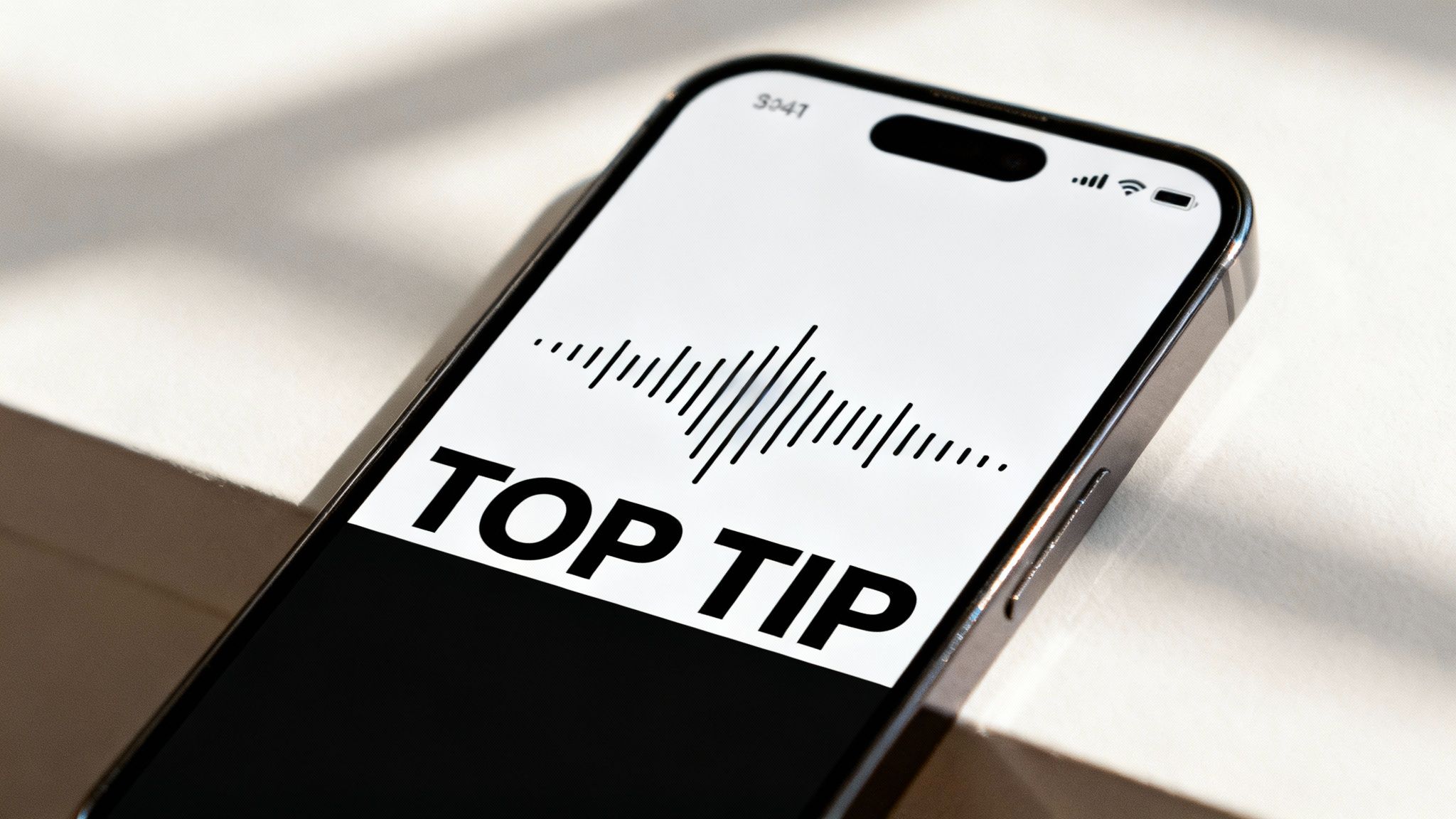
Effective text overlays transform your video from a passive viewing experience into an active one. Much like MrBeast uses bold text to highlight questions or amplify exciting moments, you can use text to set up punchlines, define complex terms, or highlight shocking statistics. This visual storytelling layer keeps the viewer engaged, clarifies your message, and reinforces the value you are providing frame by frame, which is crucial for maximizing watch time.
How to Implement Text Effectively
Your goal is to enhance, not clutter. The right text choices improve readability and strengthen your video's core message, making it more compelling and shareable.
- Font and Readability: Use bold, simple fonts like sans-serif. Avoid decorative or cursive fonts that are difficult to read on small mobile screens. Ensure high contrast between the text and background, using subtle shadows or outlines if needed.
- Strategic Placement: Position text in the upper-middle area of the frame. This "safe zone" prevents it from being obscured by the YouTube Shorts UI elements like the channel name, like button, or progress bar.
- Pacing and Simplicity: Limit on-screen text to one or two key phrases per 3-5 second segment. Overloading the screen with information will overwhelm the viewer and cause them to scroll away.
- Automate for Efficiency: Manually creating and timing captions is a time-consuming process. To streamline this workflow, you can explore powerful AI tools that automatically turn your script into engaging video with perfectly synced captions and professional formatting. You can find out more about turning a script into a video with AI and save hours of editing time.
8. Post Consistently and Use Smart Scheduling
Consistency is the currency of the YouTube Shorts algorithm. Sporadic uploads signal a dormant channel, while a steady stream of content tells YouTube that your channel is active, reliable, and worthy of being shown to new audiences. This isn't just about posting often; it's about establishing a predictable rhythm that trains both the algorithm and your viewers to anticipate your content.
Smart scheduling elevates this principle by ensuring your Shorts go live when your target audience is most active and likely to engage. Posting at 3 AM when your viewers are asleep is a wasted opportunity. This core strategy is one of the most impactful YouTube Shorts best practices because it maximizes initial velocity, a critical factor that can determine whether a Short goes viral or fades into obscurity. A consistent, well-timed upload strategy builds momentum and keeps your channel top-of-mind.
How to Implement a Winning Posting Schedule
The goal is to create a sustainable workflow that prevents burnout while feeding the algorithm the consistency it craves. This involves a mix of strategic planning, data analysis, and leveraging the right tools to automate the process.
- Establish a Baseline: Aim to post at least 3-5 times per week. Top creators in hyper-competitive niches often post daily or even multiple times a day to dominate the feed and maximize their chances of a viral hit.
- Analyze Your Audience Data: Dive into your YouTube Analytics under the "Audience" tab. The "When your viewers are on YouTube" chart is your roadmap to identifying peak activity hours. Schedule your Shorts to go live just before or during these high-traffic windows.
- Batch Your Content: Dedicate specific blocks of time to film and edit multiple Shorts at once. Creating a content library for the next 2-4 weeks allows you to maintain a consistent schedule even during busy periods without the daily pressure of creating from scratch.
- Automate for Efficiency: Manually publishing every Short at the perfect time is tedious and prone to error. Using tools with auto-pilot features can schedule and publish your batched content 24/7, ensuring you never miss an optimal posting window. If you'd like to dive deeper, you can explore expert guides on how to schedule YouTube videos for maximum impact.
9. Optimize for Mobile-First Viewing and Silent Consumption
Your audience isn't watching Shorts on a widescreen TV; they are on a mobile device, often in a public space with the sound off. A staggering 90% of Shorts are viewed on mobile, and research suggests up to 85% of social video is watched silently. This context is not an afterthought, it's the entire arena. Failing to design for this silent, vertical experience is like producing a radio show with no audio; the core message is lost.
Optimizing for this environment is a fundamental YouTube Shorts best practice that separates amateur content from professional, high-performing videos. It means every critical piece of information must be conveyed visually first. Your audio and music should enhance the experience for the 15% who listen, but the story must be fully comprehensible for the 85% who don’t. This silent-first approach ensures maximum accessibility and engagement, regardless of the viewer's situation.
How to Master Silent-First Design
To succeed, you must reverse your creative process: build the visual story first and treat audio as a supporting layer, not the foundation. Test every single Short on your phone with the sound muted before you even consider publishing it.
- Prioritize Visual Storytelling: Use animated text, arrows, dynamic captions, and clear visual demonstrations to guide the viewer. A cooking video should show each ingredient and step so clearly that a voiceover becomes redundant.
- Design for Small Screens: Ensure any on-screen text is large, bold, and has high contrast. Test its readability on a small mobile screen held at arm's length. What looks good on a desktop monitor can become illegible on a phone.
- Leverage Visual Cues: Use visual indicators like zooms, highlights, or graphical overlays to direct attention. For a fitness tutorial, use an arrow graphic to point out correct form rather than just describing it verbally.
- Think Visually, Reinforce Audibly: The core of your message must be in the visuals. If you have a punchline, it should work visually (like a meme format) before the sound effect is added. The audio should be a bonus, not a requirement for comprehension.
10. Analyze Performance Metrics and Iterate on What Works
Creating content is only half the battle; data-driven iteration is what separates stagnant channels from those experiencing explosive growth. The YouTube Shorts feed is a direct feedback loop, and your analytics dashboard is the instruction manual. Ignoring these metrics is like trying to navigate a maze blindfolded. Regularly analyzing your performance is a fundamental YouTube Shorts best practice because it turns guesswork into a repeatable, scalable content strategy.
Successful creators treat their channel like a laboratory. They don’t just post and pray; they hypothesize, test, measure, and refine. Key metrics like Average Percentage Viewed (APV), audience retention graphs, and click-through rates (CTR) from impressions provide a clear picture of what hooks viewers, what holds their attention, and what makes them swipe away. By understanding this data, you can systematically improve your content, giving the algorithm exactly what it wants: videos that keep users on the platform longer.
How to Turn Analytics into Action
Your goal is to build a "content playbook" based on your own data, documenting what works for your specific audience. This removes emotion from the creative process and replaces it with a formula for success.
- Weekly Analytics Review: Dedicate time each week to dive into your YouTube Studio. Compare your new Shorts against your channel's average. Which videos had an above-average APV? Look at their retention curves to pinpoint the exact moments viewers dropped off.
- Track Key Performance Indicators (KPIs): Focus on the metrics that matter most. Create a simple spreadsheet to track the APV, view count, subscriber gain, and hook style (e.g., question, shocking statement) for each video. This will reveal patterns you might otherwise miss.
- A/B Test One Variable: Don't change everything at once. In one batch of Shorts, test different hook styles but keep the video length and topic consistent. In the next, use your winning hook style but test different video lengths. This isolates the variable responsible for performance changes.
For instance, a creator might discover through their retention graphs that viewers consistently drop off after 35 seconds, indicating their ideal Short length is closer to 30 seconds. Another might find that Shorts starting with a question have a 20% higher completion rate. This level of insight allows for precise, impactful adjustments that compound over time. To scale this data-driven approach, consider using tools that can help you set up an automated YouTube channel based on proven performance metrics.
Top 10 YouTube Shorts Best-Practices Comparison
| Practice | 🔄 Complexity | ⚡ Resources & Speed | 📊 Expected Outcomes | 💡 Ideal Use Cases | ⭐ Key Advantages & Tips |
|---|---|---|---|---|---|
| Hook Viewers in the First 3 Seconds | Medium–High 🔄 (creative ideation & A/B testing) | Moderate ⚡ (quick edits, concept time) | High 📊 — strong retention & algorithm lift ⭐⭐⭐⭐ | All niches; especially educational, entertainment, lifestyle | Boosts completion rates; test visual/text/narrative hooks; avoid misleading clickbait |
| Maintain Optimal Video Length (15–60s) | Low–Medium 🔄 (storyboarding & tight pacing) | Low ⚡ (faster production; easier repurposing) | Improved completion & rewatch rates 📊 ⭐⭐⭐⭐ | All creators; agencies and small businesses scaling content | Aim 21–34s sweet spot; storyboard to eliminate filler; test lengths |
| Use Vertical Video Format Exclusively (9:16) | Low–Medium 🔄 (framing decisions; reformatting cost if horizontal) | Low if native ⚡; higher to convert horizontal assets | Higher engagement on mobile 📊 ⭐⭐⭐⭐ | All Shorts creators; agencies cross-posting to Reels/TikTok | Maximizes screen real estate; design safe zones; shoot vertical natively |
| Optimize Titles, Tags, and Descriptions for Discovery | Medium 🔄 (keyword research & continual updates) | Low ⚡ (time investment; tools speed process) | Better search & recommendation visibility 📊 ⭐⭐⭐⭐ | Creators seeking organic growth; multi-channel managers | Use 40–60 char titles, 1–2 long-tail keywords, avoid keyword stuffing |
| Create Pattern-Interrupt Cuts and Transitions | High 🔄 (advanced editing skills) | Moderate–High ⚡ (editing time; possible tooling) | Increased retention & watch time 📊 ⭐⭐⭐⭐ | Entertainment, lifestyle, education; high-volume agencies | Sync cuts to beats/dialogue; use transitions sparingly to avoid overload |
| Leverage Trending Sounds, Music, and Audio Elements | Low–Medium 🔄 (trend monitoring & licensing) | Low ⚡ (quick to implement if audio available) | Boosted discoverability via audio trends 📊 ⭐⭐⭐⭐ | Music, entertainment, dance, lifestyle creators | Implement within 48–72h of trend; mix trending audio with original elements |
| Add Strategic Text Overlays and Captions | Medium 🔄 (timing, legibility, design) | Low–Moderate ⚡ (auto-caption tools reduce effort) | Better accessibility and retention 📊 ⭐⭐⭐⭐ | Educational, informative, motivational creators | Use large high-contrast fonts; sync captions; limit text per segment |
| Post Consistently and Use Smart Scheduling | Medium 🔄 (planning, analytics-based timing) | Moderate ⚡ (batching + automation reduces effort) | Improved channel growth & subscriber retention 📊 ⭐⭐⭐⭐ | Solo entrepreneurs, small teams, scaling creators | Post 3–5x weekly; batch produce; use analytics/scheduling tools |
| Optimize for Mobile-First Viewing & Silent Consumption | Medium 🔄 (visual-first design) | Moderate ⚡ (testing on devices recommended) | Maximized reach for mobile mute viewers 📊 ⭐⭐⭐⭐⭐ | All creators, especially international/multi-platform audiences | Design visuals as primary narrative; mute-test every video; use bold readable text |
| Analyze Performance Metrics and Iterate on What Works | Medium–High 🔄 (analytics & A/B testing discipline) | Time-intensive ⚡ (high ROI over time) | Data-driven growth and repeatable wins 📊 ⭐⭐⭐⭐⭐ | Creators serious about growth; teams managing portfolios | Track completion%, AVD, CTR; A/B one variable per test; document playbooks |
From Best Practices to Best Performance: Your Next Steps
You've just navigated a comprehensive blueprint for success on YouTube Shorts. We've disassembled the entire process, from grabbing attention in the first three seconds with an irresistible hook to dissecting your analytics to fuel your next viral hit. This isn't just a random collection of tips; it's a strategic framework built on the proven YouTube Shorts best practices that consistently drive views, engagement, and subscriber growth.
The power of this guide lies in its interconnectedness. A powerful hook is amplified by pattern-interrupt edits. Trending audio makes your optimized title more discoverable. Strategic captions ensure your message lands even with the sound off. Each element you’ve learned about works in concert with the others, creating a cumulative effect that separates breakout creators from the ones who never gain traction.
The Shift from Knowledge to Mastery
Simply knowing these strategies isn't enough to guarantee success. The true differentiator is consistent, intelligent implementation. The journey from understanding a concept like "post consistently" to actually building an efficient content workflow is where many creators falter. The path to mastery is paved with action, experimentation, and refinement.
Your mission now is to transform this knowledge into a repeatable system. Don't try to implement all ten practices perfectly overnight. Instead, focus on incremental gains that build momentum.
Key Insight: Viral success is rarely a single lucky break. It's the result of applying a proven framework over and over, making small adjustments based on real-world data until you find what resonates with your specific audience.
Your Actionable Roadmap for Growth
To prevent overwhelm and start seeing results immediately, here is a clear path forward. Treat this as your launch sequence for elevating your YouTube Shorts strategy from amateur to professional.
-
Conduct a Content Audit: Review your last five to ten Shorts. Score each one against the best practices we've covered. Where are the biggest gaps? Is your hook weak? Are you neglecting captions? Identifying your specific areas for improvement is the critical first step.
-
Pick Your "Big Three": Choose just three best practices to focus on for the next two weeks. For example, you might decide to perfect your hooks, exclusively use trending audio, and add bold, dynamic captions to every video. This focused approach ensures you make meaningful progress instead of spreading yourself too thin.
-
Establish a Feedback Loop: This is non-negotiable. After implementing your "Big Three," dive into your YouTube Studio analytics. Did viewership retention improve? Did your click-through rate on Shorts feeds increase? Use this data to validate your efforts and decide which practice to focus on next.
Mastering these YouTube Shorts best practices is your ticket to building a thriving community, amplifying your message, and achieving your content creation goals. It’s about working smarter, not just harder, and turning the unpredictable nature of the algorithm into a system you can influence. You now have the playbook. The next move is yours.
Tired of the manual grind of editing, captioning, and scheduling? DailyShorts automates the most time-consuming parts of these best practices, transforming your ideas into dozens of high-engagement, ready-to-post videos in minutes. Supercharge your content workflow and start growing faster at DailyShorts↗.
Ready to create viral videos?
Start creating viral TikTok and YouTube Shorts with DailyShorts AI today.