Post Instagram Stories Longer Than 15 Seconds With These Methods
DailyShorts AI
Stuck trying to cram your message into a 15-second Instagram Story? I get it. The good news is, you can actually post stories much longer than that. The secret isn't one long video, but a series of connected clips that flow seamlessly together.
If your video is up to 60 seconds, Instagram makes it easy—it will automatically chop it up into consecutive 15-second segments for you when you upload. For anything longer, you'll need a different strategy.
How to Create Instagram Stories Longer Than 15 Seconds
That 15-second limit wasn't just an arbitrary number. When Instagram Stories first launched back in 2016, this hard cap was designed to keep content snappy and hold onto our ever-shrinking attention spans. It forced creators to be concise and master the art of sequential storytelling.
While the tools have gotten way better since then, the core idea of breaking up longer narratives still holds true. The most successful creators have learned how to work around the limit, not fight against it.
Choosing the right method really comes down to what you're trying to achieve with your content. Before you get too deep into the weeds, brushing up with a comprehensive guide on using Instagram Stories effectively↗ can give you a solid foundation.
Your Guide to Posting Longer Instagram Stories
Here's a quick look at the strategies we'll cover, helping you choose the best approach for your content goals and technical skill.
| Method | Best For | Effort Level |
|---|---|---|
| Instagram's Native Upload | Videos up to 60 seconds that need a quick, no-fuss solution. | Low |
| Manual Splitting Apps | Longer videos needing precise cuts and seamless transitions. | Medium |
| Post as a Reel/Video | High-quality, longer-form content you want to feature prominently. | Medium |
| AI Video Generators | Creating polished, vertical videos from scratch without manual editing. | Low |
Each of these paths offers a different level of control and efficiency. To get a better sense of which one is right for you, this decision tree can help visualize the options.
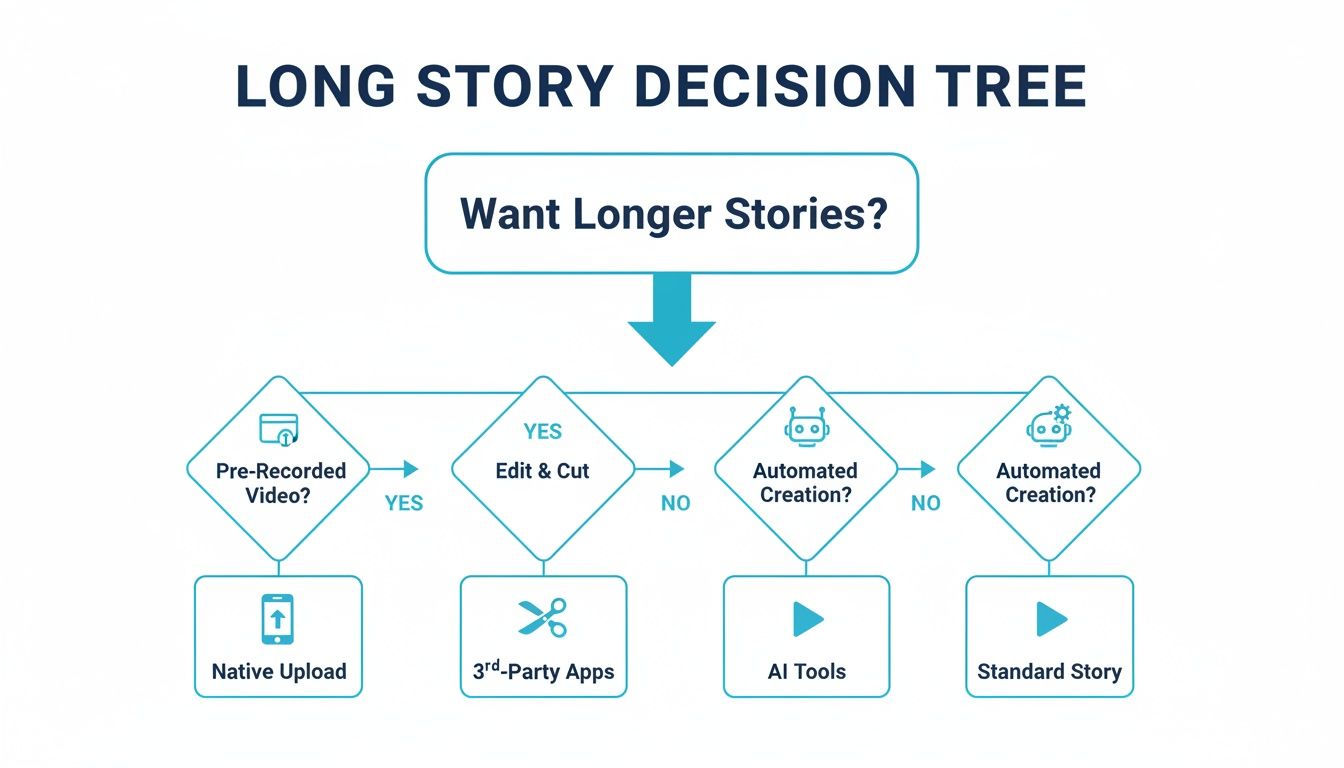
As you can see, the path you choose depends entirely on what you're starting with and how much time you want to spend. For those just getting started, learning how to make videos for social media↗ is a great first step toward creating content that truly connects.
Using Instagram's Built-In Video Splitter
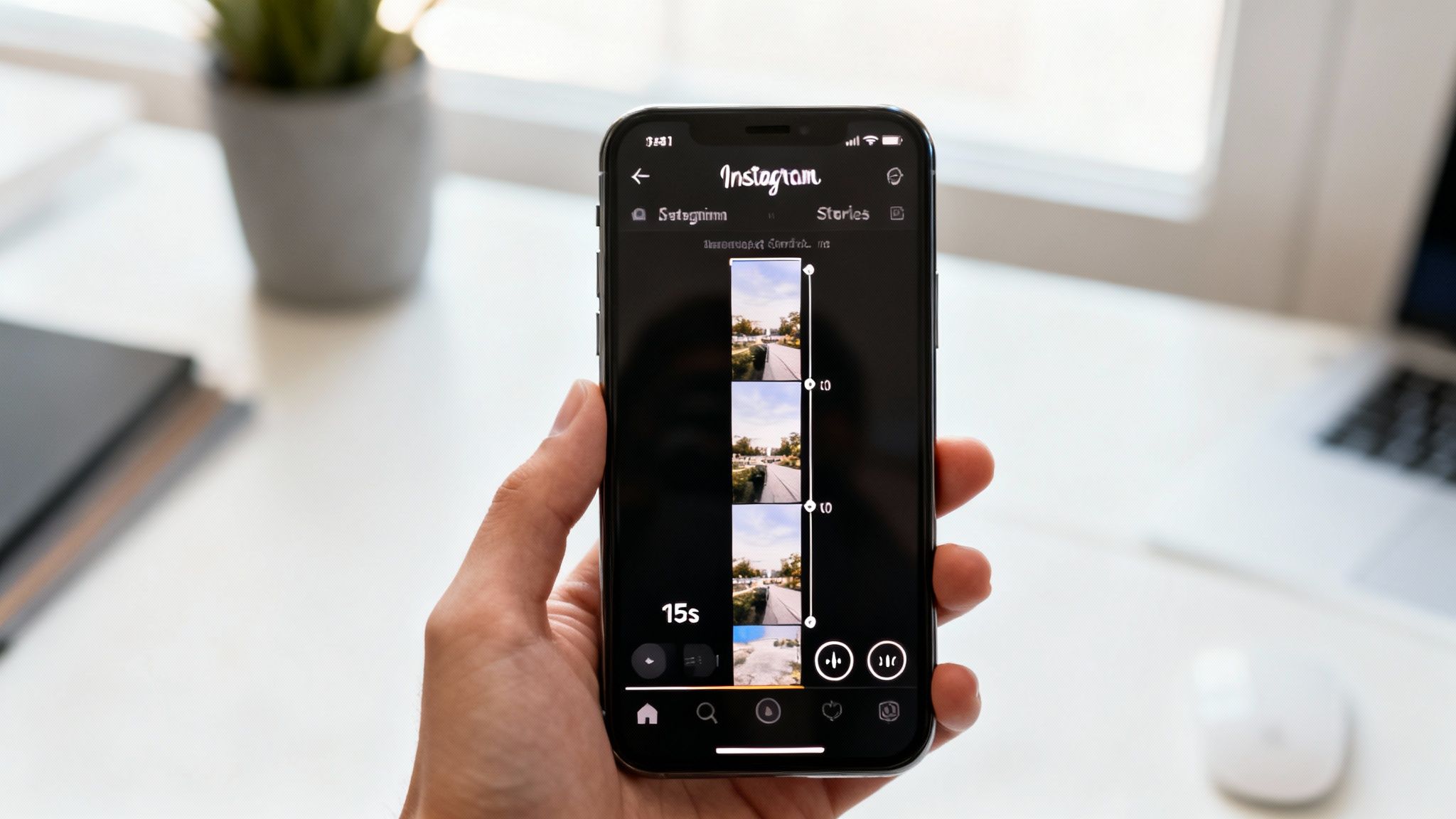
Honestly, the quickest way to get Instagram Stories longer than 15 seconds posted is to just let Instagram do the work for you. The app has a built-in feature that handles this automatically, and it’s a lifesaver when you’re short on time. You don't need any extra apps or fancy editing skills.
Let's say you just recorded a fantastic 50-second tour of your new workspace. Instead of getting bogged down in an editing app, you can simply upload the entire video file straight to your Story.
Instagram will instantly recognize it's over the limit and chop it up into a sequence of clips for you. In the editor, you'll see these segments lined up at the bottom, ready to go. It’s hands-down the most direct route from your camera to your followers.
How The Native Uploader Works
When you upload a video that’s longer than 15 seconds but less than a minute, Instagram’s auto-splitter jumps into action. It carves up your video into 15-second chunks that will play back-to-back without any gaps.
For instance, a 55-second clip will be turned into three 15-second segments followed by a final 10-second one. The whole thing happens behind the scenes, making it incredibly efficient for creators who just need to get their content out there.
This method is your best bet for pure speed and simplicity. No third-party apps to download, no export settings to mess with. Just shoot, upload, and post.
The real win here is the convenience. It removes all the editing headaches and lets you stay focused on what you're sharing. But, and this is a big but, that simplicity comes with a pretty major trade-off.
Limitations You Should Know
The biggest problem with Instagram's built-in splitter is the complete lack of control over where the cuts are made. The app is ruthless—it slices your video precisely at the 15-second mark, whether it makes sense or not.
This can create some pretty jarring viewing experiences.
- Awkward Transitions: A cut might happen right in the middle of a sentence or during a key moment, completely killing the vibe.
- No Fine-Tuning: You can't nudge the cut point a second earlier or later to match a natural pause in your speech or a change in the music.
Because of this, the native tool is really best for videos where the timing isn't critical. Think continuous landscape shots or casual behind-the-scenes clips. For anything that tells a story or needs a more polished feel, you’ll definitely want a tool that gives you more precision.
Gain Precision With Third-Party Splitting Apps
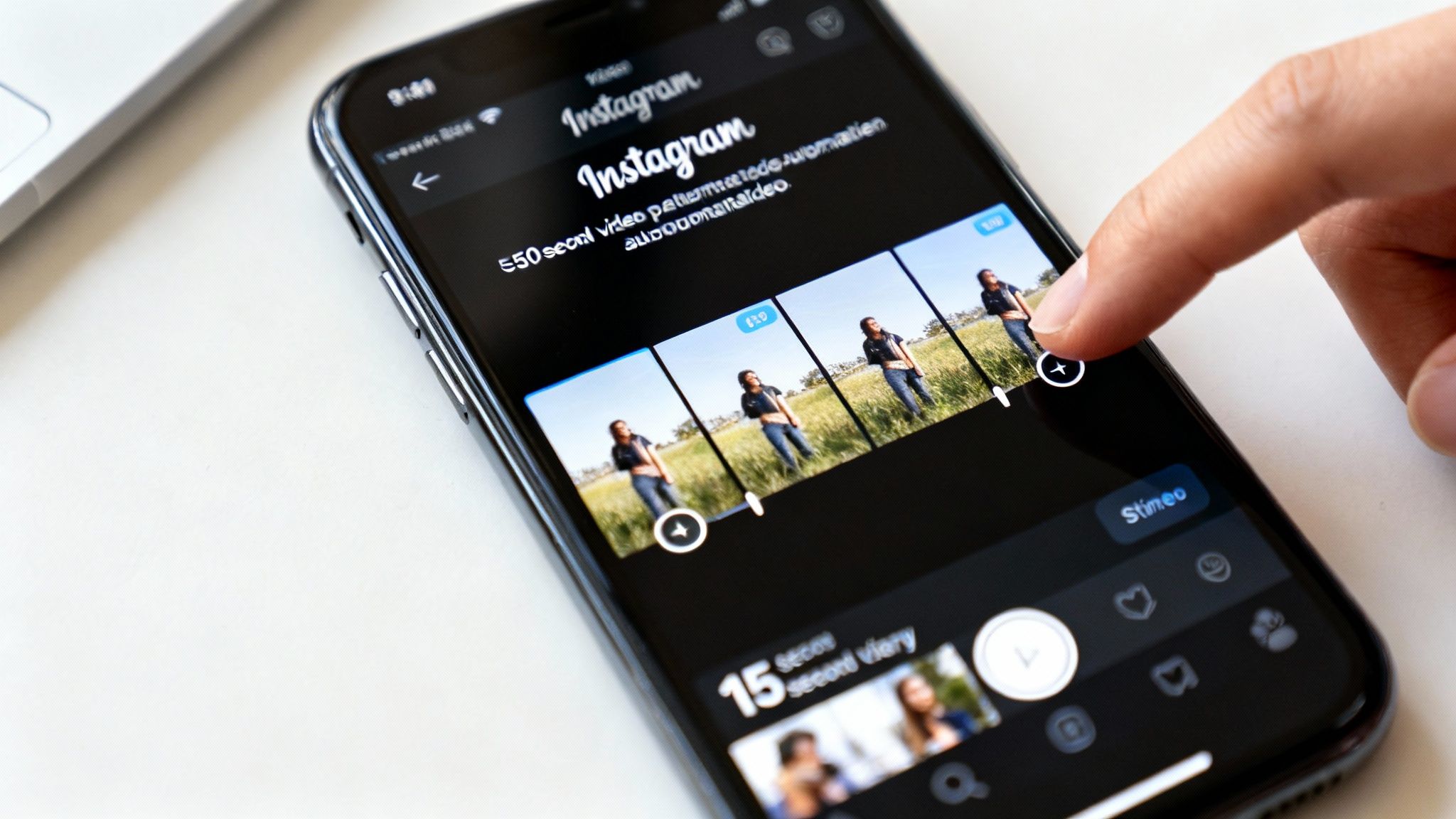
Sure, Instagram’s built-in uploader gets the job done quickly, but it often lacks finesse. For those times when every single cut needs to land perfectly, turning to a third-party video splitting app gives you the surgical precision that Instagram’s tool just can’t match. These apps are built from the ground up for one purpose: dicing up your video into perfectly timed social media clips.
This whole approach is about taking back creative control.
Think about it: if you're a filmmaker cutting a 60-second trailer, you want to build suspense. With an app like CutStory↗, you can meticulously end each 15-second segment on a dramatic cliffhanger. That’s what keeps viewers tapping through to the next part, completely hooked. Good luck getting that kind of precision from Instagram's automatic splitter.
Or imagine you're a fitness coach. You could time each video cut to a key motivational point or a change in the workout routine, making the entire Story more impactful and much easier for your audience to follow along. For any kind of narrative-driven content, this is a total game-changer.
Why Choose This Method
The big win here is deliberate pacing. You get to decide exactly where the story breathes, pauses, and transitions. This simple shift in control helps you avoid those jarring mid-sentence cuts and creates a far more professional, engaging viewing experience.
- Custom Transitions: Add smooth fades, wipes, or other effects between your clips to create a seamless flow that feels intentional.
- Audio Control: Make sure your background music continues uninterrupted across every segment, without any awkward stops and starts.
- Pre-Editing Power: This is your chance to fine-tune colors, add text overlays, and perfect each individual clip before it ever touches Instagram.
By preparing your clips in an external app, you’re not just posting a long video; you’re producing a polished, multi-part feature. This is how you elevate the quality and professionalism of your Instagram stories longer than 15 seconds.
The workflow couldn't be simpler. You just import your full-length video into the app, and it exports a series of perfectly timed 15-second clips right to your camera roll. From there, you just need to upload them to your Story in the correct sequence.
If you're already editing videos for other platforms, this process will feel incredibly familiar. And for those managing multiple channels, learning how to upload YouTube Shorts from a PC↗ can help make your entire content creation system more efficient. At the end of the day, this method is for creators who simply refuse to compromise on quality.
Rethink Your Strategy With Reels And Video Posts
Sometimes, the best way to get a longer video into your Stories is… not to post it as a Story at all. Hear me out.
A much smarter play is to publish your longer content as an Instagram Reel or a regular video post on your main feed. Once it's live, you simply share that post directly to your Story. This simple pivot turns a temporary, 24-hour clip into a lasting asset on your profile.
Why This Pivot Works So Well
This isn't just a workaround; it's a strategic shift that completely changes your content's purpose and potential reach.
Reels are Instagram’s main discovery engine right now. They're built from the ground up to be shown to people who don't follow you, giving your content a real shot at going viral and reaching entirely new audiences.
Sharing a permanent feed post to your Story, on the other hand, is like running an internal promotion. You're guiding your most loyal followers from a fleeting format to a piece of content that lives forever on your grid, where it can keep racking up likes, comments, and saves over time.
You're essentially leveraging the unique strengths of each format. Stories are fantastic for in-the-moment, behind-the-scenes updates. Reels and feed videos are built for discoverability and a longer shelf life. When you combine them, you get the best of both worlds.
Instead of just fighting the clock, you’re building a library of high-quality content. This method transforms your effort from a 24-hour sprint into a long-term investment in your brand's visibility.
This is especially important when you think about how people actually watch content. Even though Instagram now allows longer single Story clips, we know that engagement can plummet after just 15 seconds. Shorter, punchier clips almost always perform better. It's a principle that holds true across platforms, and you can see it in these best practices for YouTube Shorts↗.
And don't forget about live content. Exploring Instagram livestreaming features↗ is another powerful way to connect with your audience using long-form video. By anchoring your key messages in Reels or feed posts, you create content that keeps working for you long after that 24-hour Story window has closed.
The Smartest Way to Create Longer Stories with AI
While chopping up videos or sharing Reels to your Story definitely works, what if you could sidestep the whole filming, editing, and voiceover grind? For creators who are short on time but big on impact, generating your videos with AI is a much slicker way to create content formatted for Instagram Stories longer than 15 seconds.
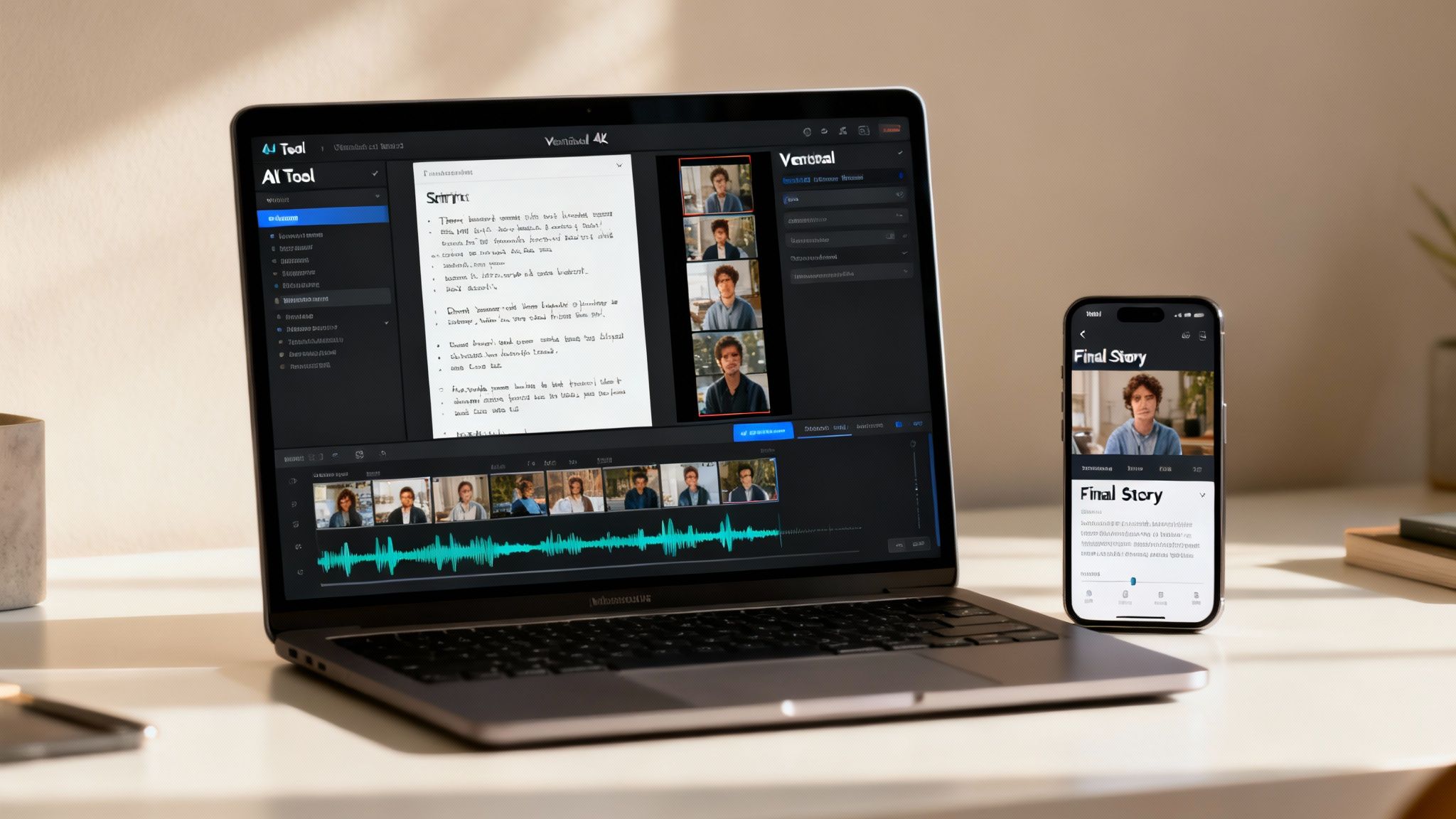
We're not just talking about trimming existing footage. Tools like DailyShorts↗ can build engaging vertical videos for you completely from scratch. You go from a simple idea to a ready-to-post, multi-part Story in just a few minutes. It's a huge time-saver for busy entrepreneurs and marketers who need a steady stream of great content without the production chaos.
All it takes is a topic, and the AI takes over.
From a Simple Idea to a Viral-Ready Video
Let's say you want to make a one-minute Story about the benefits of a new skincare ingredient. The old way involves setting up lights, recording takes, and then spending an hour or more editing everything together.
With DailyShorts, you just type in a prompt like "benefits of hyaluronic acid."
The platform gets to work, generating a sharp script, creating eye-catching 4K visuals, and adding a professional voiceover with realistic pacing. The final video is already broken down into a sequence of perfectly timed clips, ready for you to upload. This completely dodges the usual headaches of content creation. You can see this process in action in our complete guide on how to create AI video↗.
What you get is the seamless feel of a meticulously edited Story sequence, but without lifting a finger. It's the ultimate hack for getting more high-quality content out the door, faster.
Solo entrepreneurs and agencies can completely transform their workflow with this. Just input a topic and get AI-crafted, 15-second vertical videos in unique styles like Disney or 3D, complete with emotional voiceovers and smart editing. The Auto Pilot feature even posts them with optimized tags to hit viral stats, aiming for the 2.08% engagement seen by top influencers. Over 50,000 creators are already scaling their campaigns this way, as highlighted on foundr.com↗.
Features That Keep People Watching
This AI-powered approach goes beyond just making the video. It bakes in features designed to hold your audience's attention, which is everything when you're posting a longer Story.
- Image-to-Video Animation: Got a static image you love? DailyShorts can bring it to life with subtle motion, a proven trick to keep viewers' eyes glued to the screen and boost retention.
- Auto Pilot Scheduling: The platform can automatically schedule and publish your content across all your channels. This means you can maintain a consistent posting schedule without being tied to your phone.
In the end, this is more than just a shortcut—it’s a real strategic advantage. You’re not just making it easier to post Instagram Stories longer than 15 seconds. You’re creating better, higher-performing content that captivates your audience and frees you up to actually focus on growing your brand.
Still Have Questions About Longer Instagram Stories?
Even after you’ve got a handle on the methods, a few common questions always pop up when it comes to posting Instagram Stories longer than 15 seconds. Let's tackle some of the big ones so you can post with total confidence.
A frequent worry I hear is whether uploading a bunch of clips at once will kill your reach. The short answer is no. Instagram's algorithm won't penalize you for a multi-part Story. A bit of viewer drop-off after the first frame is totally normal, but what really matters is a hook that keeps them tapping—not how many clips you post.
Getting the Length and Transitions Just Right
So, what's the absolute max? You can technically string together 100 clips for a single Story. That gives you a massive theoretical limit, but let's be realistic: focus on creating content that holds your audience's attention from beginning to end, whatever that length may be.
The real challenge isn’t the length; it’s making the cuts between each segment feel invisible. A jarring transition is the fastest way to get someone to swipe away.
This is where a little planning goes a long way. Try to end each video segment at a natural pause, whether it's in someone's speech or a break in the action. Using a third-party app gives you the precision to nail these cut points perfectly.
Another pro tip? Lay a continuous track of background music across all the clips. This simple trick sonically glues the entire sequence together, making it feel like one professional, uninterrupted video. If you're looking for more ways to create polished content, check out this guide on how to get clips from YouTube videos↗ to repurpose existing footage.
Tired of all the manual splitting and editing? DailyShorts uses AI to create entire vertical videos from a single prompt, handling everything from visuals and voiceover to flawless pacing. It's time to upgrade your content game. Start creating high-impact videos in minutes over at https://dailyshorts.ai↗.
Ready to create viral videos?
Start creating viral TikTok and YouTube Shorts with DailyShorts AI today.