How to Schedule YouTube Videos to Maximize Your Reach
DailyShorts AI
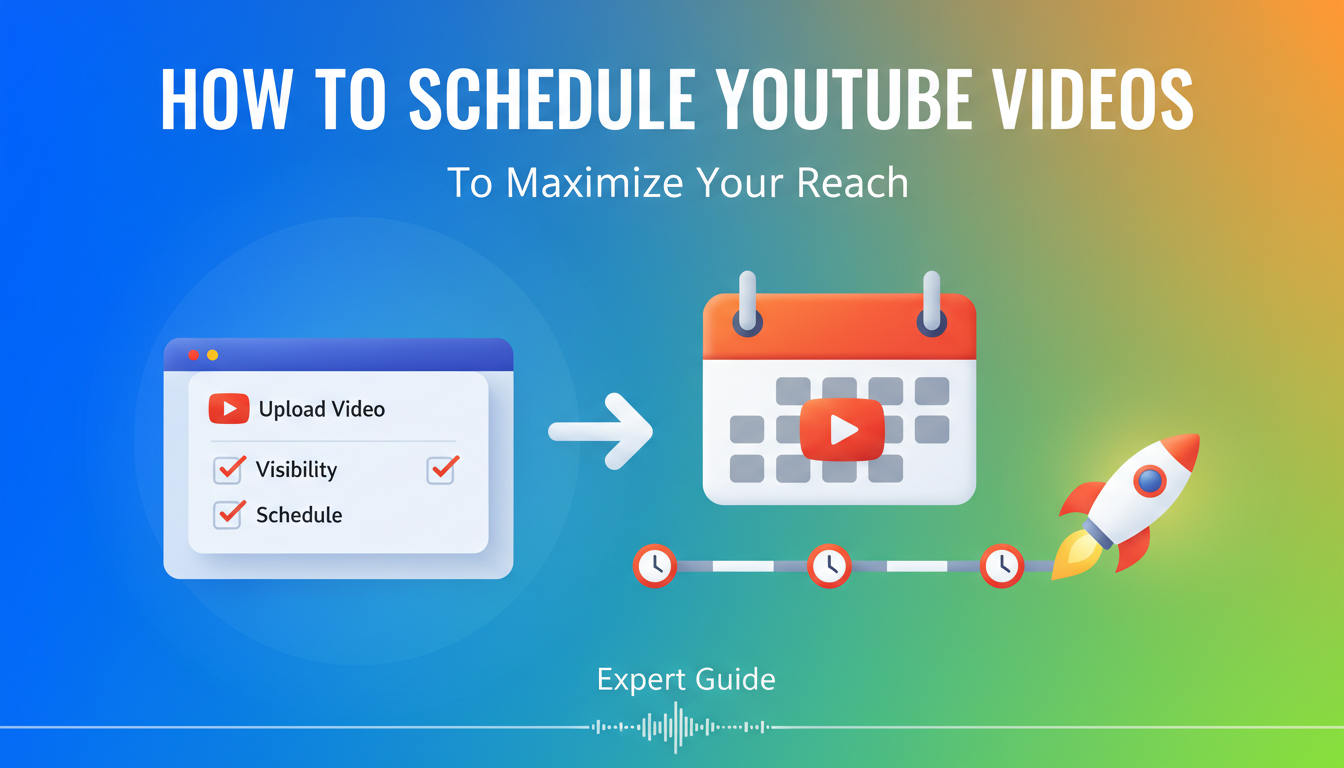
Scheduling a YouTube video is surprisingly straightforward. It really just comes down to uploading your video, heading over to the 'Visibility' tab, and hitting 'Schedule' instead of 'Public'. That one click lets you pick the exact date and time for your video to launch, effectively turning your content calendar into a hands-off, strategic machine.
Why Scheduling YouTube Videos Is a Growth Game Changer
Let’s get one thing straight: learning to schedule your YouTube videos isn't just about saving time. It's a core strategy for playing the long game with the YouTube algorithm and building real, sustainable growth.
The top creators I've watched and worked with don't see their schedule as a convenience—they see it as a non-negotiable tool for getting discovered. When you shift from random "publish now" clicks to a planned schedule, your content calendar stops being a simple to-do list and starts working for you 24/7.
It’s all about showing up reliably, both for your audience and for YouTube. When you consistently drop videos at peak times, you’re training your viewers to show up. That simple habit turns casual watchers into a dedicated community who know when to expect your next video, which in turn drives those critical early engagement signals the algorithm absolutely loves.
Consistency: The Algorithm's Best Friend
The YouTube algorithm is a machine that loves patterns. A steady publishing schedule tells it your channel is active and dependable, which can seriously boost your chances of getting recommended or showing up in search. It's not just about posting a lot; it's about posting predictably.
This is especially true for Shorts. Think about it: with over 70 billion Shorts being watched every single day, nailing your timing is crucial if you want to grab even a tiny slice of that pie. That daily view count has skyrocketed by more than 133% in just two years, which tells you everything you need to know about having a scheduling plan.
The real magic of scheduling is that it lets you batch your work. Forget the frantic rush of creating, editing, and publishing a video all in one day. You can set aside specific days for filming and editing, freeing up your time and mental space for what really moves the needle: promotion, engaging with your community, and dreaming up your next big project.
Beyond Convenience: The Strategic Edge
Scheduling gives you a strategic advantage that hitting "Publish" on the fly just can't match.
- Reach a Global Audience: Time your videos to go live when viewers in different time zones are actually awake and online.
- Coordinate with Key Events: Perfectly align your video launch with a product release, a major holiday, or a trending topic.
- Reclaim Your Life: Work ahead, build a content buffer, and finally step away from the constant pressure of the upload button.
At the end of the day, getting a handle on scheduling is a massive step toward building a truly automated YouTube channel↗ that keeps growing even when you’re not in front of the computer.
Using YouTube Studio for Flawless Video Scheduling
YouTube Studio↗ is the heart of your channel's operations, and thankfully, it has a fantastic, no-fuss scheduling tool built right in. Getting a handle on this is your first real step toward building a consistent content schedule without chaining yourself to your desk. It’s surprisingly easy, whether you’re uploading from your computer or straight from your phone.
You'll find the scheduling options tucked away in the final stage of the upload process. After you've worked through the "Details," "Monetization," and "Video elements" tabs, you'll land on the all-important "Visibility" screen. This is where the magic happens.
Instead of just hitting "Public," look for the 'Schedule' option. Clicking this brings up a simple calendar and time-picker. From here, you've got total control. You can schedule a video to go live in the next 15 minutes, next week, or even months from now—an absolute game-changer for batch-recording content.
This is the foundational step that lets you automate your workflow and, ultimately, grow your channel.
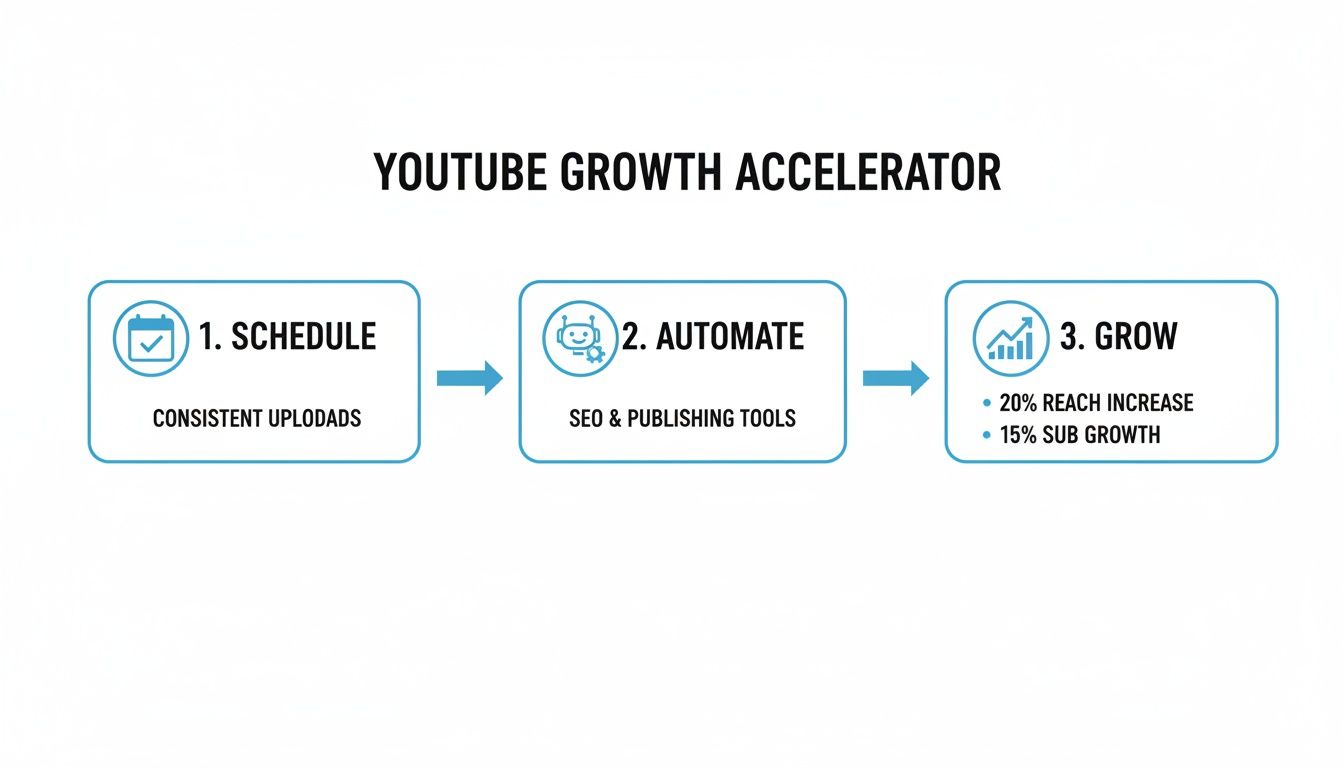
It all starts with getting your content lined up and ready to go automatically.
Scheduling on Desktop vs Mobile
The basic idea is identical, but finding the button is a little different depending on your device.
On Your Desktop: Once you hit the "Create" button in YouTube Studio and upload your file, you'll navigate through the upload screens until you hit the final "Visibility" tab. The 'Schedule' radio button is right there waiting for you. Just pick your date and time from the dropdowns, and you're set.
On Your Phone: In the YouTube app, tap the '+' icon to start your upload. While adding your title and description, you’ll see the 'Visibility' setting. Tap on that, select 'Schedule,' and choose your go-live time before you finish the upload. It’s a lifesaver for getting Shorts out on a tight schedule.
Expert Tip: Lock in all your metadata—title, description, tags, and that brilliant custom thumbnail—before you hit schedule. When your video goes public, you want it 100% optimized for search and discovery from the very first second. Don't leave engagement on the table.
Premiere vs. Standard Schedule: What to Choose
You'll notice a little checkbox under the scheduler: "Set as Premiere." This isn't just a different way to launch; it's a completely different experience for your audience.
-
Standard Schedule: This is the quiet workhorse. Your video simply appears on your channel and in sub feeds at the designated time. It's clean, efficient, and perfect for your regular programming.
-
Premiere: This turns your launch into a live event. YouTube creates a public watch page before your video goes live, complete with a countdown timer. When the clock hits zero, everyone watches it for the first time together, and you can all hang out in a live chat. It creates a real sense of community and urgency.
So, when should you use a Premiere? It’s perfect for big moments: a series finale, a major product review, or a special collaboration. It drives a huge spike of initial engagement, which the YouTube algorithm absolutely loves. For your day-to-day content, a standard schedule is usually the smarter, more sustainable choice.
Once you’ve got the hang of scheduling, you can start thinking bigger about your entire content strategy. That includes exploring new ways to create compelling content, so be sure to check out our guides on how to make videos for social media↗ that grab viewers' attention right away.
How To Pinpoint Your Audience's Peak Viewing Times
Consistency is a huge part of the YouTube game, but posting when your audience is actually online? That’s how you really ignite growth. You've probably heard generic advice like "post on Tuesdays at 2 PM," and while that's not the worst place to start, it's a guess, not a strategy. The real magic happens when you stop guessing and start listening to your own data.
Your most powerful ally here is your YouTube Analytics dashboard. Let's forget the broad industry benchmarks for a minute. Your audience has its own unique habits, and YouTube lays them all out for you.
Uncovering Your Channel's Goldmine: The Analytics Report
Head over to YouTube Studio, click on Analytics in the left-hand menu, and then pop into the Audience tab. Scroll down a bit, and you’ll see a chart called "When your viewers are on YouTube." This isn't a vague estimate; it's a heatmap showing the exact days and hours your viewers were active over the last 28 days.
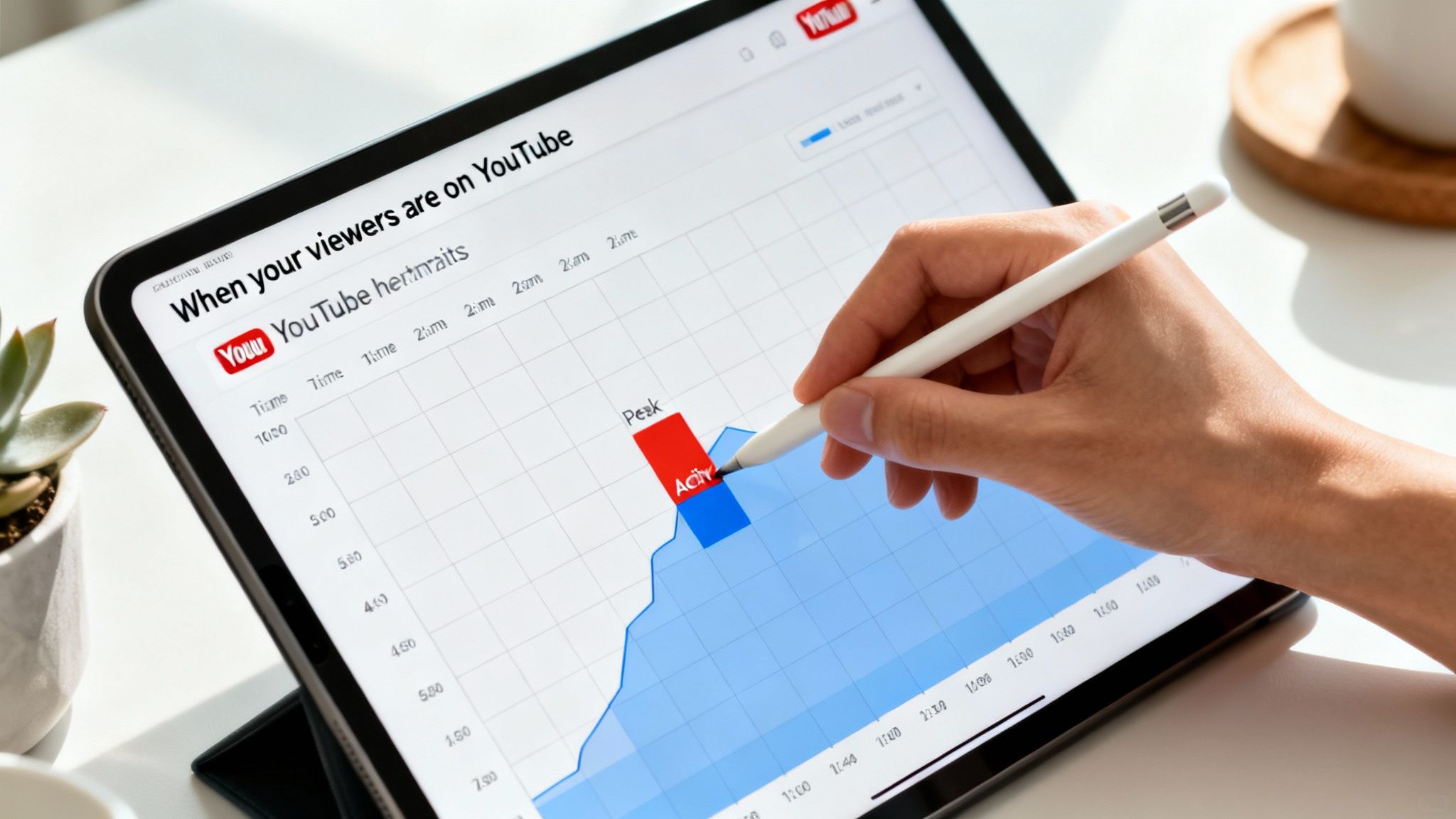
See those dark purple bars? The darker they are, the more people were watching. Those are your prime-time slots. Scheduling your videos to go live an hour or two before these peak times gives them the best possible shot at getting that crucial initial traction. A strong start signals to the algorithm that your content is worth pushing to a wider audience.
This data-first approach is what separates the channels that feel like they're spinning their wheels from the ones that are truly taking off. Just look at the insane growth of YouTube Shorts, where daily views skyrocketed from 3.5 billion to over 70 billion. That kind of surge is fueled by creators who know how to hit their peak times. With over 2 billion monthly users on the platform, scheduling for maximum impact isn't just a "nice to have"—it's an essential part of your growth strategy. You can dig into more of these incredible trends and statistics on Voomo.ai↗.
What If I Don't Have Enough Data Yet?
Just starting out? Your "When your viewers are on YouTube" chart might look pretty empty, and that's totally normal. Don't worry, you're not flying blind. You can use generally accepted peak viewing times as a solid starting point.
These are not a substitute for your own data in the long run, but they provide a fantastic launchpad for your first few dozen videos. Think of them as your training wheels while you build up enough viewership for YouTube to generate your personal audience report.
General Peak Viewing Times by Region
| Region | Weekday Peak Times (Local Time) | Weekend Peak Times (Local Time) |
|---|---|---|
| North America (EST/PST) | 2:00 PM - 4:00 PM & 6:00 PM - 9:00 PM | 9:00 AM - 11:00 AM & 12:00 PM - 4:00 PM |
| Europe (GMT/CET) | 2:00 PM - 4:00 PM & 6:00 PM - 9:00 PM | 9:00 AM - 11:00 AM & 1:00 PM - 4:00 PM |
| South America (BRT/ART) | 4:00 PM - 6:00 PM & 7:00 PM - 9:00 PM | 11:00 AM - 1:00 PM & 3:00 PM - 5:00 PM |
| Asia (IST/JST) | 6:00 PM - 9:00 PM & 10:00 PM - 12:00 AM | 10:00 AM - 1:00 PM & 7:00 PM - 10:00 PM |
Use this table to make an educated guess based on where the majority of your target audience lives. Once your own analytics chart starts to populate, you can—and should—switch over to using your specific data.
From Data to Actionable Schedule
Once you've identified your peak slots, don't just set it and forget it. Start running small, simple experiments to really dial in your timing.
-
Test Your Two Best Times: Let's say your data shows a big spike on Wednesday at 6 PM and another on Saturday at 11 AM. For the next month, schedule similar videos for each of those slots and see which one consistently gets more views in the first 24 hours.
-
Go Live an Hour Early: A great pro-tip is to publish your video one hour before the darkest purple bar appears. This gives YouTube's system a little buffer to index your video and get it ready, so it can hit the ground running the moment your audience starts logging on.
Your analytics report isn't a one-and-done deal; it's a living document. Check it monthly. Audience habits can shift with seasons, holidays, or even just a change in your content style. The goal is to build a responsive schedule that adapts with your viewers, not a rigid one that ignores them.
By leaning on your own data, you move beyond just knowing how to schedule YouTube videos and start mastering when to schedule them for real, measurable impact.
Scaling Your Content with Third-Party Schedulers
https://www.youtube.com/embed/B488ylbsmr90↗
While YouTube Studio is a fantastic starting point, every serious creator hits a wall where manual scheduling just doesn't scale. When you're ready to operate less like a hobbyist and more like a professional media brand, third-party schedulers become your secret weapon. These platforms are built for one thing: efficiency. They turn a repetitive, manual task into a powerful, automated advantage.
Forget just picking a date and time. These tools are built to manage your entire content ecosystem from a single dashboard. For social media managers or agencies juggling multiple channels, it’s a total lifesaver. You can often schedule one video to publish across YouTube, TikTok, and Instagram Reels all at once, tweaking the caption for each platform without leaving the app.
That unified approach is a massive time-saver. Instead of bouncing between different platforms and logins, you can sit down and map out your entire week's—or even month's—content calendar in one focused session.
Why a Dedicated Scheduler Is a Game Changer
The real magic of these tools comes from features that YouTube’s native scheduler simply doesn't have. They’re designed for creators who are dead serious about growth and need to maximize their output without burning out along the way.
Here are a few of the capabilities that make a real difference:
- Bulk Uploading: Imagine uploading an entire month's worth of Shorts in one go and scheduling them all with just a few clicks. This isn't a pipe dream; it's a standard feature in most top-tier tools.
- Smart Scheduling Suggestions: Many platforms don't just let you schedule—they advise you. They analyze your channel's past performance and suggest the absolute best times to post, taking the guesswork out of reaching your audience when they're most active.
- Cross-Platform Synergy: As I mentioned, the ability to post everywhere at once is invaluable. This is a core part of learning not just how to schedule YouTube videos, but how to schedule social media posts as part of a single, cohesive strategy.
This level of organization is absolutely crucial, especially in the relentless, fast-paced world of short-form video.
Setting Your Content Strategy on Auto Pilot
The ultimate goal here is to build a content machine that works for you 24/7, capturing audiences in every time zone without you having to be awake at 3 AM. The most advanced platforms help you do just that with "Auto Pilot" modes. You can fill up a content queue, set a publishing schedule (like "three Shorts per day"), and just let the tool handle the rest.
This is how you tap into massive growth opportunities. For instance, YouTube Shorts now pull in a staggering 90 billion daily views—a monumental leap from 15 billion back in 2021. With over 2.3 billion people on the platform every month, timing your content is everything. As a creator, you need tools that can schedule your videos for peak times without forcing you to burn out just to keep up. You can find more powerful insights about YouTube Shorts' growth on Awisee↗.
Here’s a real-world example: A creator wants to hit both the US and European markets. With a third-party scheduler, they can set one Short to go live at 8 AM EST for the morning crowd in North America, and another to post at 8 PM CET to catch the evening audience in Europe. All of this happens automatically, without them ever needing to be online.
By offloading the tedious manual work to a dedicated scheduler, you get your time back. You can finally focus on what actually moves the needle: creating incredible content. It transforms your workflow from a daily grind into a well-oiled, automated system designed for relentless growth.
Solving Common YouTube Scheduling Problems
Let's be real—even with the most perfectly organized content calendar, things can go sideways. You schedule a video, you expect it to go live, and then... nothing. A scheduled video that fails to publish is more than a small hiccup; it messes with your audience's expectations and can throw a wrench in your plans with the algorithm. The key is not to panic but to know exactly what to do when it happens.
Most of the time, these publishing errors aren't some catastrophic failure. The culprit is usually something simple: maybe the upload didn't fully complete, a last-minute monetization review popped up, or YouTube's system just had a momentary glitch. Your first move should always be a simple refresh of your YouTube Studio page. You might find the video is just a few minutes behind schedule, not stuck.
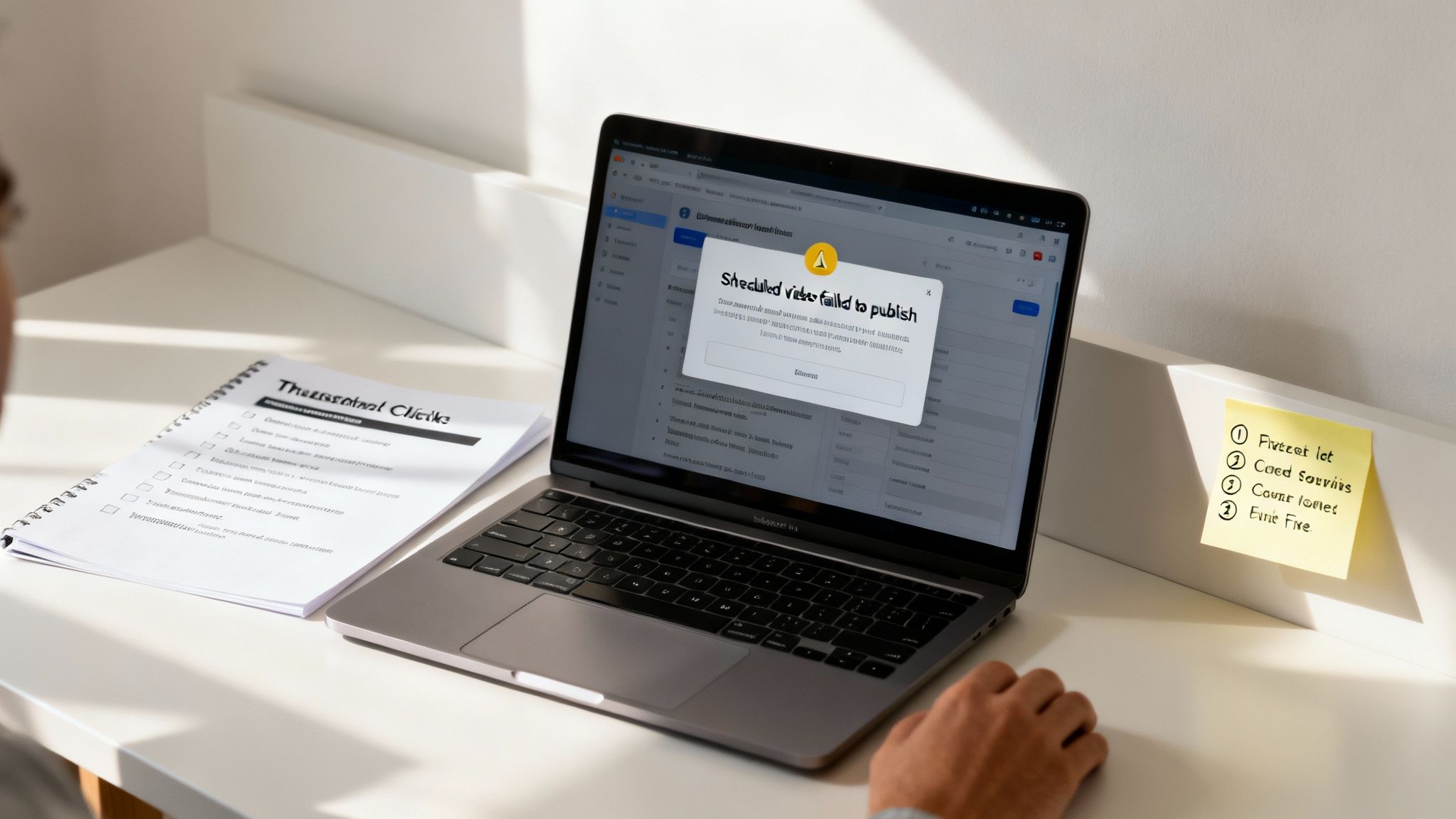
If a refresh doesn't do the trick, the quickest way to get your video out there is to jump in and manually switch its visibility to Public. It might not be at the exact second you planned, but at least your audience gets the content you promised.
What to Do When a Video Fails to Publish
When you get that dreaded "failed to publish" notification, resist the urge to just re-schedule it and cross your fingers. Taking a minute to figure out why it failed can save you from the same headache next week.
Here’s a quick troubleshooting checklist I run through:
- Is it still processing? Check to see if the video has fully processed into HD or 4K. Sometimes, a video gets hung up in standard definition (SD), which can trip up the publishing process.
- Any new copyright claims? A copyright claim on a bit of background music can put a dead stop to a scheduled video. Always double-check your email and the "Checks" section in the video's details.
- How's the monetization icon looking? Every now and then, a video that gets flagged for limited monetization (that pesky yellow dollar sign) can interfere with its scheduled release.
If you’ve gone through that list and everything seems fine, the issue is probably on YouTube's end. A surprisingly effective fix is to simply edit the schedule and push it forward by 15 or 20 minutes. This little nudge often forces YouTube's system to re-register the command and publish it correctly.
Handling Last-Minute Changes and Upload Errors
Things change. You might spot a glaring typo in your thumbnail minutes before your video is set to go live. Don't worry. You can edit just about all the metadata—title, description, tags, and even the thumbnail itself—right up to the second it publishes without messing up the schedule.
The one thing you can't do is swap out the video file. If you need to replace the video, you have no choice but to delete the original upload and start the whole process over. This is exactly why having a rock-solid workflow is so important. For anyone pumping out a lot of content, these manual fixes can become a major time suck. It's why many creators now use AI tools to get their content right the first time. If you're tired of last-minute fixes, it might be worth exploring how to turn a script to video with AI↗, as it can dramatically cut down on these kinds of errors.
Key Takeaway: Think of every scheduling error as a chance to learn. Was it a problem with the file? A copyright flag you missed? Pinpointing the root cause helps you build a better, smarter upload checklist for a more reliable content schedule down the road.
Your Burning Questions About Scheduling YouTube Videos, Answered
Even the most seasoned creators have questions when they're dialing in their workflow. Let's tackle some of the most common things people ask about scheduling YouTube videos. Getting these details right can be the difference between a good content strategy and a great one.
Think of this as the final piece of the puzzle to building a smooth, efficient, and powerful publishing system.
Can I Edit a Scheduled YouTube Video Before It Goes Live?
Yes, absolutely! And frankly, you should feel empowered to. Until that video officially publishes, you have full control to tweak the title, refine the description, add new tags, or even swap out the thumbnail. You can also adjust monetization settings or pop it into a different playlist.
Just hop into your YouTube Studio, click on the 'Content' tab, and find your scheduled video. Hit the little pencil icon, and you’re free to make any last-minute adjustments. This is a lifesaver for fine-tuning your SEO or acting on a sudden flash of thumbnail inspiration.
Does Scheduling a Video Hurt Its Performance?
This is a stubborn myth that just won't die, but let me be clear: no, it doesn't hurt your performance. In fact, it almost always helps it.
The YouTube algorithm doesn't care if a video was published instantly or scheduled a week ago. What it does care about is initial engagement. By scheduling your videos to drop right when your audience is most active, you're setting yourself up for a stronger launch. More views, likes, and comments in that critical first hour signal to YouTube that you've got a winner on your hands, encouraging it to push your video to more people.
What Is the Difference Between a Scheduled Video and a Premiere?
This is a great question. While both let you control when a video goes public, they create two totally different viewer experiences.
- A Scheduled Video is straightforward. At the time you set, it just appears on your channel, ready for anyone to watch. This is your workhorse for consistent, regular content.
- A Premiere turns your video launch into a live event. It creates a public watch page with a countdown timer, building anticipation. When it's time, you and your audience watch the video "live" together for the first time, complete with a real-time chat.
Save Premieres for your big moments—a product launch, a series finale, or a special announcement—to build maximum hype. For your day-to-day content, a standard schedule is the most efficient path. Mastering this distinction is a crucial part of a smart video marketing for small business plan that fosters real community.
How Far in Advance Can I Schedule a YouTube Video?
YouTube gives you a ton of runway here. You can schedule videos months and months into the future if you want. This is a massive win for creators who like to batch-produce their content and get way ahead of their calendar.
From my experience, most creators hit their stride scheduling videos a few weeks out. This creates a comfortable buffer, so you're never scrambling, but it also leaves you nimble enough to jump on a new trend if one pops up. It’s the perfect blend of planning and flexibility.
Ready to stop wrestling with content creation and put your channel on autopilot? With DailyShorts, you can turn a simple idea into a dozen high-quality, viral-ready videos in minutes. Let our AI handle the script, visuals, voiceover, and scheduling, so you can focus on growing your brand. Start creating for free on dailyshorts.ai↗ and see the difference automation makes.
Ready to create viral videos?
Start creating viral TikTok and YouTube Shorts with DailyShorts AI today.